Xero UAE VAT Return Guide: How to Prepare VAT201 in 2026
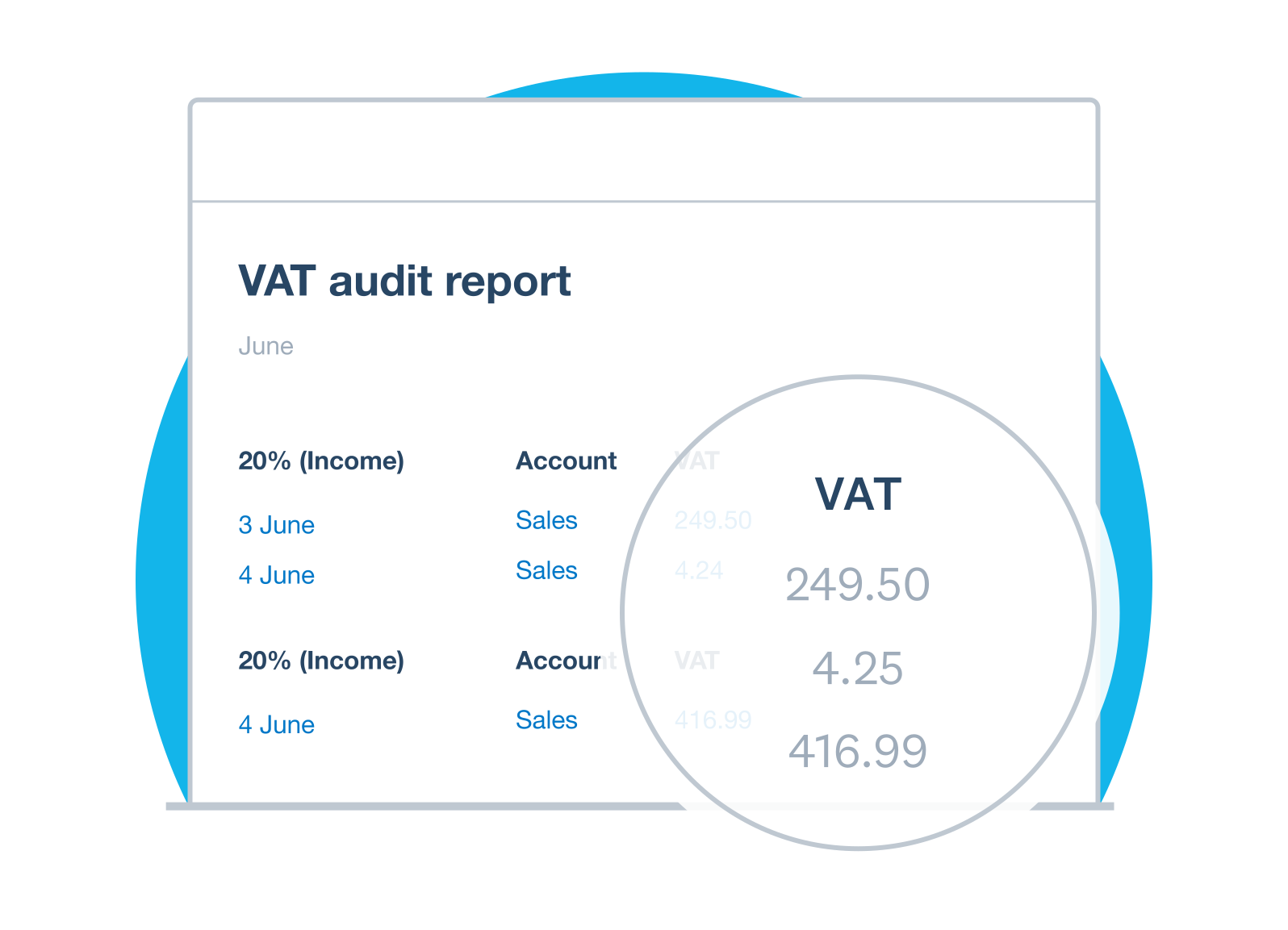
- UAE VAT returns and any related VAT payment are generally due within 28 days from the end of the tax period.
- Xero's Sales Tax report is useful for gathering and reviewing VAT data, but it is a generic report rather than a fully localised UAE VAT201 workflow today.
- Zero-rated, exempt and out-of-scope transactions should be kept distinct, even though each may show AED 0 VAT.
- Before filing, reconcile sales, purchases, imports, reverse-charge transactions, credit notes, the VAT control balance and the final EmaraTax figures.
Overview
What This Guide Covers
Xero can be used to maintain the accounting records and VAT data behind a UAE VAT return, but as of 20 August 2026, Xero's dedicated UAE VAT-return workflow is still marked as coming soon. In practice, UAE businesses should reconcile the VAT period in Xero, review the tax treatment of transactions, map the figures to the FTA VAT return, submit the return through EmaraTax, and pay any VAT due by the applicable deadline.
This guide focuses on VAT201 preparation itself: what to review in Xero, how the return structure fits together, where errors commonly arise, and what should be checked before submission.
In this guide:
- How does a UAE VAT return work?
- Can Xero file UAE VAT directly?
- 1. Confirm the tax period and deadline
- 2. Reconcile the books before preparing VAT201
- 3. Run the Xero Sales Tax report
- 4. Review output VAT and sales classifications
- 5. Pay special attention to Box 1
- 6. Review zero-rated and exempt supplies separately
- 7. Review purchases and recoverable input VAT
- 8. Check imports and reverse-charge transactions
- 9. Reconcile the VAT control account
- 10. Map Xero to VAT201 Boxes 1 to 14
- 11. Review adjustments before submission
- 12. Enter and submit the return in EmaraTax
- 13. Pay any VAT due by the deadline
- Worked example: from Xero to VAT201
- Common Xero VAT-return mistakes
- Pre-filing checklist
- How Maaliya can help
- Frequently Asked Questions
- Related Maaliya content
- Sources
VAT Return Basics
How does a UAE VAT return work?
A UAE VAT return reports output VAT, input VAT and the resulting net VAT position for a defined tax period. The Federal Tax Authority requires registered businesses to file VAT returns online, generally filing the return and making any related payment within 28 days after the tax period ends.
The return is not simply 5% of sales minus 5% of purchases. It separates different types of supplies and inputs, includes adjustments and reverse-charge items, and depends on whether input VAT is legally recoverable.
Can Xero File Directly?
Can Xero file UAE VAT directly?
Not yet, as a complete native UAE workflow. Xero's UAE page says its dedicated VAT solution is coming soon and describes planned FTA-ready return mapping, guided workflows that mirror EmaraTax, an FTA Audit File and a prepopulated upload template.
Until those features are live, treat Xero as the accounting ledger and VAT-data source. The finance team still needs to review the UAE VAT logic and complete the current filing process through EmaraTax.
If your tax codes are not yet clean, review Maaliya's Xero UAE Tax Rates Explained guide before preparing the return.
Run a quick health check on your VAT treatment and tax codes before you start preparing VAT201.
Check VAT Health NowHow to prepare and file VAT201 in Xero, step by step
1. Confirm the tax period and deadline
Start with the exact tax period and due date shown in EmaraTax. Do not assume every UAE business has the same quarter-end. The assigned tax period determines which transactions belong in the return, and the FTA generally requires filing within 28 days after that period ends.
2. Reconcile the books before preparing VAT201
Prepare VAT201 from reconciled records, not from an unfinished bookkeeping file. Reconcile bank and credit-card accounts, sales invoices and credit notes, supplier bills and purchase credit notes, payment gateways, clearing accounts and the VAT control balance before extracting return figures.
For the broader implementation and month-end controls, see Maaliya's Xero UAE Setup Guide.
3. Run the Xero Sales Tax report
The Xero Sales Tax report is the main generic report for reviewing the tax recorded during the selected period. Xero says it can be used to gather information for filing and lets you drill into the transactions behind the totals.
Review 0% transactions carefully. Xero distinguishes a reportable 0% tax rate from the overall No Tax treatment. No Tax transactions are kept separate from normal sales-tax totals, while a reportable transaction that incurs 0% tax should use an appropriate zero-percent tax rate.
4. Review output VAT and sales classifications
Compare Xero revenue to the VAT categories rather than treating every sale the same. Review standard-rated domestic sales, zero-rated supplies, exempt supplies, out-of-scope transactions, sales credit notes, foreign-currency invoices and any unusual output-tax adjustments.
A zero-rated supply and an exempt supply can both produce AED 0 output VAT, but they are not the same legal treatment. Out-of-scope transactions are different again. Mixing these categories into one 0% bucket weakens the return and can affect other VAT conclusions.
5. Pay special attention to Box 1
Box 1 reports standard-rated supplies and related output VAT, with the UAE return requiring standard-rated sales to be reported by Emirate. Your working papers therefore need a supportable method for allocating standard-rated sales to the correct Emirate, rather than simply using the company's registered office location for every transaction.
6. Review zero-rated and exempt supplies separately
Keep zero-rated and exempt supplies separate in the Xero tax-rate structure and in the VAT201 mapping. For the coding logic behind these treatments, use Maaliya's Setting Up Xero for UAE VAT guide.
7. Review purchases and recoverable input VAT
Do not assume that every supplier invoice carrying 5% VAT gives the business a full input-tax deduction. Review supporting tax invoices, business purpose, blocked or non-recoverable VAT, costs relating to exempt activities, mixed-use expenses, credit notes and any required input-tax apportionment.
8. Check imports and reverse-charge transactions
Imports and reverse-charge transactions need a dedicated check, because VAT may arise without a normal domestic supplier invoice. Match Xero entries to the customs, import and supplier support, and confirm the amounts are mapped to the correct VAT201 categories rather than buried inside ordinary purchases.
9. Reconcile the VAT control account
The VAT control account should reconcile from the opening balance through the current period. Trace VAT posted on sales and purchases, FTA payments or refunds, manual journals and adjustments, then compare the closing ledger balance to the liability or receivable implied by the return.
If VAT201 says AED 42,000 is payable but Xero suggests a very different liability, investigate the reason. Do not post a balancing journal merely to force the ledger to match the return.
10. Map Xero to VAT201 Boxes 1 to 14
Once Xero is clean, build a mapping from the accounting data into the FTA VAT return structure. The return covers sales and other outputs, expenses and other inputs, and the net VAT due section across Boxes 1 to 14.
A useful mapping working paper shows, for each return box, the Xero report or transaction population used, tax codes included, manual adjustments, supporting schedule and final figure entered in EmaraTax. Another finance professional should be able to reproduce the number without guessing.
11. Review adjustments before submission
Every material adjustment should have a clear reason and supporting evidence. Where the bookkeeping itself is wrong, correct Xero when appropriate and rerun the VAT reports, rather than using the return as a hidden place to repair the ledger.
12. Enter and submit the return in EmaraTax
After reviewer sign-off, enter the approved VAT201 figures into EmaraTax and compare every box to the mapping before submission. The FTA confirms that VAT returns are filed online, and EmaraTax provides a submission acknowledgement that should be retained with the filing pack.
13. Pay any VAT due by the deadline
Filing and payment are separate actions, so make sure any amount due reaches the FTA by the applicable deadline. Use the due date in EmaraTax as the operational control. The FTA also publishes deadline reminders; for example, its August 2026 calendar shows 28 August 2026 as a VAT filing deadline for relevant taxpayers.
"A mathematically correct 5% calculation can still be the wrong VAT treatment if the underlying recovery conditions are not met."
Worked Example
Worked example: from Xero to VAT201
Assume a UAE consultancy has AED 500,000 of standard-rated sales plus AED 25,000 output VAT, AED 40,000 of qualifying zero-rated sales, and AED 100,000 of standard-rated purchases with AED 5,000 VAT, of which AED 4,500 is recoverable. With no other adjustments, the simplified net VAT payable is AED 20,500.
The AED 20,500 is only the final arithmetic. VAT201 still needs the underlying sales and purchases placed in the correct legal categories and boxes, with the relevant working papers retained.
Common Mistakes
Common Xero VAT-return mistakes
- Using one 0% code for zero-rated, exempt and out-of-scope transactions.
- Leaving reportable 0% transactions as No Tax, causing them to sit outside normal sales-tax totals.
- Claiming all supplier VAT as recoverable without checking the recovery conditions.
- Preparing VAT201 before bank, sales, purchase and VAT-control reconciliations are complete.
- Using spreadsheet adjustments without correcting the underlying Xero transactions where the ledger itself is wrong.
- Forgetting credit notes, imports, reverse-charge items or late-posted transactions dated inside the VAT period.
- Confirm the EmaraTax period and deadline
- Reconcile the ledger
- Run the Xero Sales Tax report
- Review standard-rated, zero-rated, exempt and out-of-scope transactions
- Check imports and reverse charge
- Review input-tax recovery
- Reconcile the VAT control account
- Map Xero to VAT201
- Document adjustments
- Review the final EmaraTax figures
- Retain the acknowledgement and payment evidence
How Maaliya Helps
How Maaliya can help
The hard part of UAE VAT filing is rarely the arithmetic. It is keeping transaction coding, supporting documents, the Xero ledger and the return mapping consistent throughout the tax period. Maaliya is designed to reduce repetitive finance work around document capture, VAT treatment and bookkeeping review, so issues can be found before filing day.
For the end-to-end filing process, also read Maaliya's How to File UAE VAT Using Xero guide.
Book a free consultation with Maaliya to review your Xero VAT setup before your next filing deadline.
Book a free consultation today!Frequently Asked Questions
As of August 2026, Xero says its dedicated UAE VAT solution is still being rolled out. Planned features include FTA-ready VAT return mapping, guided workflows and FTA Audit File generation. Businesses should therefore check Xero's current feature availability rather than assuming native UAE VAT filing is already available.
The FTA states that VAT returns and related payments are generally due within 28 days from the end of the tax period. Check EmaraTax for the actual due date applying to a specific return.
It is a useful working paper, but not a substitute for reviewing the UAE VAT return classification. The figures still need to be reconciled and mapped to the correct FTA return boxes before filing.
No. Both may result in 0% VAT being charged, but their UAE VAT treatment is different. Zero-rated supplies remain taxable supplies at a 0% rate, while exempt supplies have different VAT and input-tax recovery consequences. They should therefore normally be tracked separately.
Related Maaliya content

References
Sources
Federal Tax Authority: Filing VAT Returns And Making Payments. Page last updated 16 May 2024; accessed 20 August 2026. https://tax.gov.ae/en/taxes/genericcontent/filing.vat.returns.and.making.payments.aspx
Federal Tax Authority: FAQ, What is the process for submitting a VAT return? Page last updated 22 May 2024; accessed 20 August 2026. https://tax.gov.ae/en/faq.aspx?keyword=What+is+the+process+for+submitting+a+VAT+return%3F
Federal Tax Authority: Final deadline for filing VAT returns. Page last updated 3 August 2026; accessed 20 August 2026. https://tax.gov.ae/en/content/final.deadline.for.filling.vat.returns.aspx
Xero UAE: eInvoicing and VAT Software for the UAE. Current page accessed 20 August 2026. https://www.xero.com/ae/campaign/uae/
Xero Central: How sales tax works in Xero. Current help article accessed 20 August 2026. https://central.xero.com/0/article/How-sales-tax-works-in-Xero-GL
Xero Central: The Sales Tax report. Current help article accessed 20 August 2026. https://central.xero.com/0/article/The-Sales-Tax-Report-GL
This article is general information only and does not constitute tax, accounting or legal advice. UAE VAT treatment depends on the facts of each transaction and applicable law and guidance.
Like what you read? Add Maaliya as a preferred source on Google.
Built for the UAE.