Maaliya AppFinance software you use yourself
AccountingOur accountants run your finances
Business ServicesSet up, run or close a UAE company
ResourcesGuides, research and free tools
About usWho we are and how to reach us
Tally to Xero: UAE Migration Guide (2026)
 Lina Mansouri
Overview
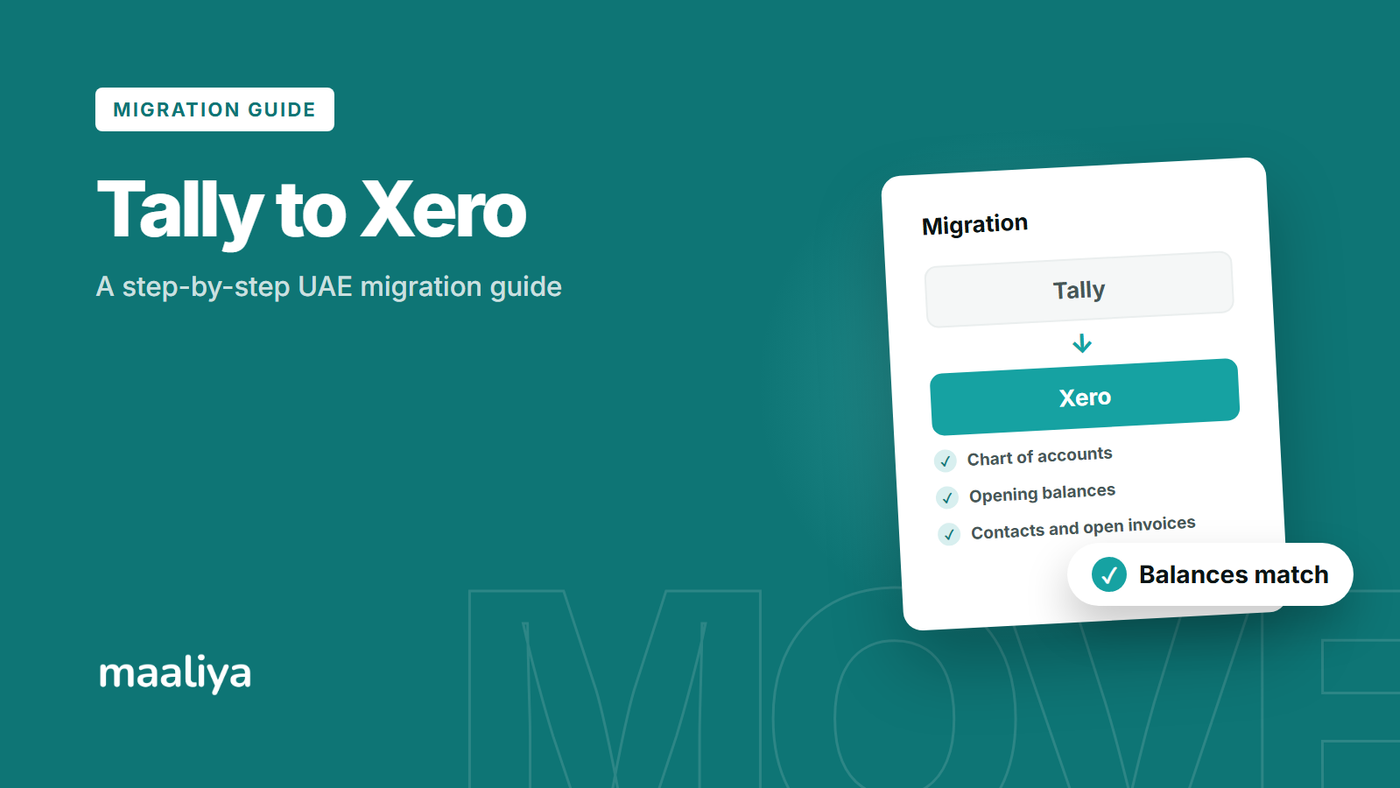
Moving from TallyPrime to Xero is possible, but it isn't a one-click conversion. The safest approach for a UAE migration is to close and reconcile Tally at a defined cutover date, preserve a full backup and set of exports, map the accounting structure into Xero, migrate verified balances and open items, and then reconcile Xero back to the final Tally reports before going live.
For UAE businesses, VAT history is one of the biggest migration risks. Changing software doesn't change what was reported to the Federal Tax Authority, so the new Xero ledger and the retained Tally archive must together preserve a clear audit trail for historical tax periods.
In this guide:
- What should you move from Tally to Xero?
- Step 1: Choose a clean cutover date
- Step 2: Back up Tally and create a permanent migration archive
- Step 3: Map the Tally chart of accounts to Xero
- Step 4: Clean customers and suppliers before import
- Step 5: Decide how much historical data to migrate
- Step 6: Preserve outstanding invoices and bills
- Step 7: Rebuild UAE VAT logic carefully
- Step 8: Move bank data without duplicates
- Step 9: Reconcile Xero back to Tally before go-live
- Common Tally-to-Xero migration mistakes
- Tally to Xero Migration Checklist
- Frequently Asked Questions
- Sources
Talk to Maaliya about mapping your chart of accounts, VAT history and bank data before you commit to a cutover date.
Book a free consultation today!What should you move from Tally to Xero?
At minimum, plan for the chart of accounts, customer and supplier records, verified opening balances, outstanding receivables and payables, bank balances, and post-cutover bank transactions. Depending on the business, you may also need credit notes, inventory, fixed assets, multicurrency balances, cost centres, and selected historical transactions.
TallyPrime supports exports of masters, transactions, vouchers and reports in formats including Excel, XML and JSON, and Tally's current guidance also recommends taking a backup before any data exchange. That makes it practical to build a permanent migration archive, even when the actual Xero conversion is performed through CSV templates or a specialist migration tool.
Step 1: Choose a clean cutover date
A month end is usually the cleanest cutover point. If Tally is fully reconciled through 30 September 2026, for example, close Tally through that date and use 1 October as the operational start date in Xero. The final Tally trial balance, receivables ageing, payables ageing and bank reconciliations then become your migration control reports.
For a UAE VAT-registered business, a VAT-period boundary can be convenient, but only if the period is genuinely complete. Don't force a tax-period cutover while bank reconciliations, supplier bills or VAT adjustments are still unresolved.
Step 2: Back up Tally and create a permanent migration archive
Do this before cleaning or remapping anything. Keep the native Tally backup plus exported copies of the trial balance, general ledger, balance sheet, profit and loss, receivables ageing, payables ageing, bank books, VAT workings, customer and supplier masters, chart of accounts, fixed-asset schedules and open transactions.
This matters especially for UAE and India-linked SMEs that may have years of Tally data built around Indian bookkeeping conventions, cost centres or group structures. You don't need to reproduce every historical configuration in Xero, but you should retain enough source data to explain how the closing balances were derived.
Step 3: Map the Tally chart of accounts to Xero
Don't copy the Tally ledger structure blindly. Build a mapping sheet with each Tally ledger or group, its closing balance, the intended Xero account and any classification change. Tally's group-ledger hierarchy and Xero's chart of accounts are different enough that a deliberate mapping is safer than trying to preserve every label.
Pay particular attention to accounts receivable, accounts payable, bank and card accounts, VAT control accounts, fixed assets, accumulated depreciation, loans, accruals, prepayments and shareholder or director balances. Document any account consolidation so the converted trial balance remains traceable. For a structured starting point, see Maaliya's Xero Chart of Accounts UAE guide.
Step 4: Clean customers and suppliers before import
Tally files often accumulate duplicate party ledgers over time. Standardise legal names, merge obvious duplicates and review contact details and payment terms before loading contacts into Xero. Keep the original Tally ledger name in your migration mapping where it helps preserve traceability.
Step 5: Decide how much historical data to migrate
You usually have two sensible choices: migrate detailed transaction history, or start Xero from a verified opening position while retaining Tally as the historical archive. Detailed history is useful when comparative reporting and transaction lookup inside Xero matter. A clean opening-balance migration is often safer when years of Tally data contain inconsistent coding or legacy structures.
More history isn't automatically a better migration. Moving five years of messy transactions simply moves five years of errors along with them. The objective is a reconciled new ledger with a defensible bridge back to the old one.
Step 6: Preserve outstanding invoices and bills
Don't migrate receivables and payables only as single control-account totals if customers or suppliers still have open items. The underlying invoices, bills and relevant credits need to be represented so future receipts and payments can be allocated correctly.
After conversion, compare Xero's customer and supplier ageing to the final Tally outstanding reports at exactly the same date. Resolve any difference here before normal posting starts.
Step 7: Rebuild UAE VAT logic carefully
Don't assume a Tally tax ledger or tax label maps directly to a Xero UAE tax rate. What matters is the underlying UAE VAT treatment and whether the converted VAT control position reconciles to the returns and records already filed.
The UAE Federal Tax Authority states that VAT records should provide a sufficient audit trail from source documents through to the tax return, with specific retention requirements set out in its Taxable Person Guide.
Before go-live, reconcile the closing Tally VAT position to filed VAT returns and supporting workings. Then configure Xero for standard-rated, zero-rated, exempt, outside-scope and reverse-charge transactions as relevant to the business. For step-by-step configuration, see Maaliya's Setting Up Xero for UAE VAT guide, and for pitfalls to avoid, see Common Xero VAT Mistakes in the UAE.
"Required VAT records are generally kept for at least five years after the end of the relevant tax period, with longer retention applying in specified circumstances."
– UAE Federal Tax Authority, Taxable Person Guide (VATG001)
Step 8: Move bank data without duplicates
Define the exact first bank-transaction date that belongs in Xero. If your cutover is 1 October, don't also import September transactions merely because they appear on the same PDF statement. Load the intended period, compare opening and closing balances to the actual bank statement, and check for gaps or overlap.
If your UAE bank statement is available only as a PDF, convert it into clean transaction data before import rather than manually retyping hundreds of lines. Maaliya's Bank Statement Parser is designed for this part of the cutover. Once the data is loaded, Maaliya's Xero Reconciliation Guide UAE walks through matching and clearing transactions during cutover.
Maaliya's Bank Statement Parser turns PDF and scanned UAE bank statements into clean, import-ready transaction data, so your cutover period loads without manual retyping or overlap.
Parse your bank statements now!Step 9: Reconcile Xero back to Tally before go-live
A successful import isn't a successful migration until the accounting agrees. Compare Xero to the final Tally control reports: trial balance, bank balances, customer ageing, supplier ageing, VAT control, fixed assets, loans, accruals, prepayments and any other material balance-sheet schedules.
Keep a migration pack containing the final Tally reports, mapping sheets, import files, bank statements, VAT reconciliations and any migration journals. That pack becomes the bridge between the old and new systems for management, accountants and auditors.
Common Tally-to-Xero migration mistakes
The most common mistakes are migrating an unreconciled Tally file, copying the ledger hierarchy without mapping it, losing open invoice and bill detail, recreating old transactions with guessed UAE VAT codes, overlapping bank imports, and cancelling access to historical data before a complete backup has been secured.
- Choose and document the cutover date.
- Back up Tally and export final control reports before changing data.
- Map the chart of accounts, contacts and VAT treatment deliberately.
- Import verified balances and preserve open receivables and payables.
- Load bank data from one controlled start date and check for duplicates.
- Reconcile Xero to the final Tally reports before posting new activity.
Run Maaliya's VAT Health Checker before go-live to catch gaps in your VAT treatment and reconciliation while there's still time to fix them.
Check VAT Health NowFrequently Asked Questions
Not as a simple native Tally backup restore. TallyPrime can export accounting data and reports in formats including Excel, XML and JSON, but the data still needs to be mapped into Xero's supported structures or converted through an appropriate migration process.
Not necessarily. Many SMEs are better served by a clean cutover using verified opening balances and open items while retaining Tally as the historical archive. Detailed history is worth migrating when the business genuinely needs it inside Xero and the source data is clean enough to reconcile.
They still need to be retained for the applicable statutory period. Changing accounting systems does not remove the obligation to preserve records supporting VAT returns that have already been filed.
If bank-statement conversion or VAT readiness is slowing the cutover, use Maaliya's Bank Statement Parser to turn statement data into structured transactions and the VAT Health Checker to identify gaps before you carry the opening position into Xero.
Related Maaliya content



Sources
Tally Solutions, "How to Export Data in TallyPrime," updated 3 February 2026, accessed 23 September 2026.
UAE Federal Tax Authority, "Taxable Person Guide for Value Added Tax," VATG001, accessed 23 September 2026.
This guide is general information, not personalised tax or accounting advice. Migration design should be checked against the facts and records of the individual business.
Lina Mansouri is a Corporate Services specialist at Maaliya, where she helps UAE businesses with company incorporation, VAT and corporate tax registration, and liquidation. She writes Maaliya's guides to Xero, UAE VAT, bank reconciliation and eInvoicing, drawing on the questions UAE founders and finance teams bring to Maaliya every day.
Like what you read? Add Maaliya as a preferred source on Google.
Built for the UAE.