Maaliya AppFinance software you use yourself
AccountingOur accountants run your finances
Business ServicesSet up, run or close a UAE company
ResourcesGuides, research and free tools
About usWho we are and how to reach us
Xero Lock Dates Explained: UAE Guide (2026)
 Lina Mansouri
Overview
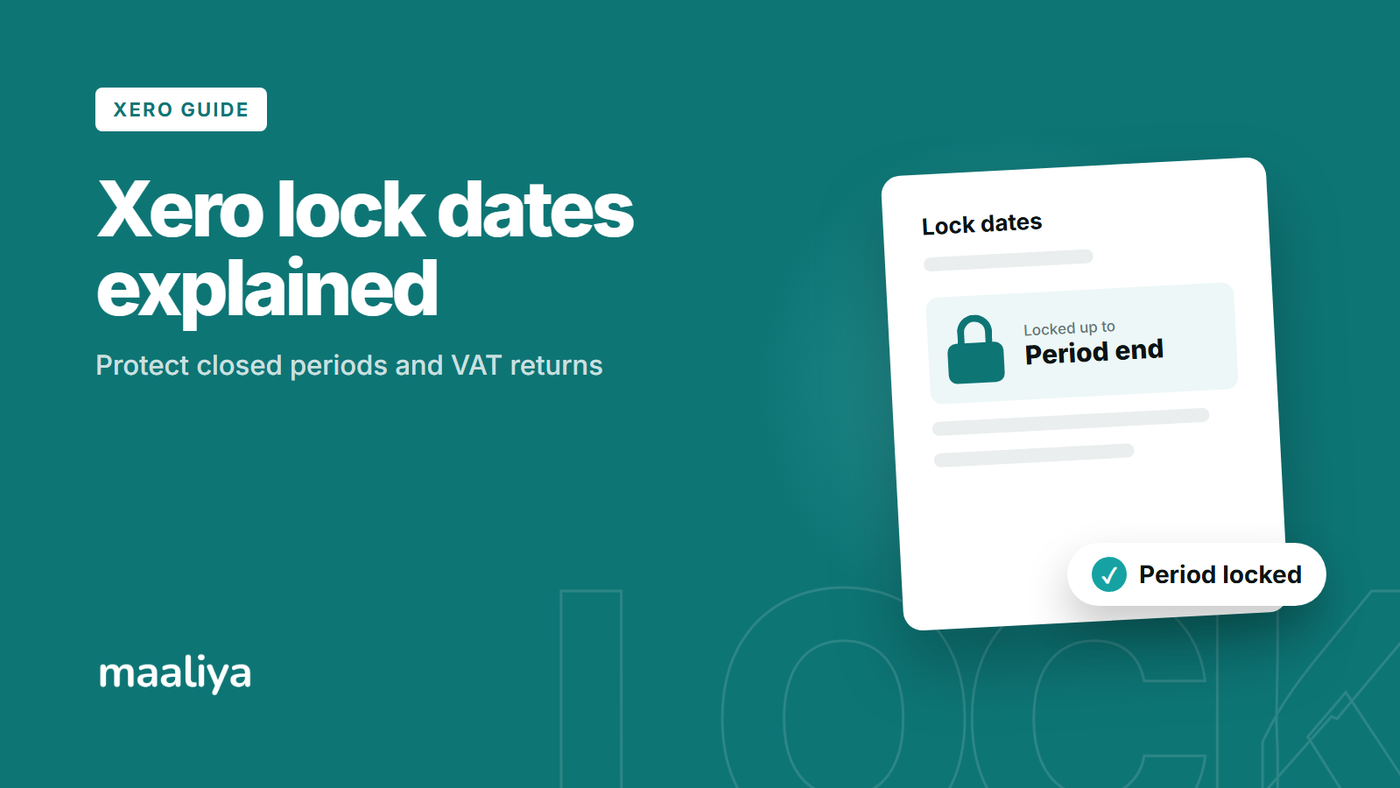
Xero lock dates are accounting controls that stop transactions dated on or before a chosen date from being changed. They are useful after a month-end close, year-end close or UAE VAT return has been finalised, since they reduce the risk of accidental changes to a period that has already been reviewed or reported. Xero currently provides two controls: one that blocks everyone except advisers, and another that blocks all users, including advisers.
In this guide:
- What Are Xero Lock Dates?
- Adviser Lock vs. All-User Lock: What's the Difference?
- When Should You Set a Lock Date in Xero?
- How Should UAE Businesses Use Lock Dates Around VAT Periods?
- Does a Lock Date Prevent VAT Errors?
- What If You Find an Error After the Period Is Locked?
- Can You Post a Current-Period Adjustment Instead?
- What Happens to Credit Notes in Locked Periods?
- Who Should Be Allowed to Change Lock Dates?
- A Practical Lock-Date Policy
- VAT Record-Keeping and Lock Dates
- Frequently Asked Questions
- Check Your VAT Records Before You Lock the Period
- Sources
What Are Xero Lock Dates?
A Xero lock date is a cutoff date. Once set, Xero restricts changes to transactions dated on or before that date. It helps protect completed accounting periods from edits, deletions or new entries that would change previously reviewed numbers. It does not make the records legally immutable, and it does not replace accounting or tax correction procedures.
Adviser Lock vs. All-User Lock: What's the Difference?
Xero has two settings. “Stop all users except advisers” prevents non-adviser users from changing transactions on or before the selected date, while advisers can still make necessary adjustments. “Stop all users” applies the stronger restriction to everyone; an adviser must change or remove that lock before an affected transaction can be amended.
A practical approach is to use the adviser lock for routine closed months, and to consider the all-user lock for periods that should not be touched casually, such as a completed year end or a finalised VAT period.
Example: Monthly Close for a UAE Business
Assume a Dubai SME completes its August 2026 close on 10 September after reconciling bank accounts, reviewing receivables and payables, posting accruals and checking VAT coding. An adviser lock through 31 August prevents ordinary users from changing August while September processing continues. If August also ends a filed VAT period, the business may choose the stronger lock once the return and supporting schedules are final.
When Should You Set a Lock Date in Xero?
Set a lock date once the period is genuinely complete. Finish bank and card reconciliations, review unpaid invoices and bills, post accruals and other closing entries, investigate suspense balances, check VAT coding, and review the reports before moving the date forward. Locking too early creates friction and encourages repeated unlocking.
How Should UAE Businesses Use Lock Dates Around VAT Periods?
For a UAE VAT-registered business, locking the relevant period after the VAT return has been reviewed and filed is a useful preventive control. The UAE Federal Tax Authority states that registered businesses must file their VAT return and make the related payment within 28 days from the end of the tax period.
The lock date can be aligned to the last day of the VAT period that has been finalised. For example, after filing a VAT period ending 30 June, a 30 June lock helps prevent later changes to June invoices, bills or tax coding without deliberate review. A Xero lock date is an internal control, however; it does not determine how a VAT error must be corrected.
For related setup guidance, see Setting Up Xero for UAE VAT: Step-by-Step Guide and the Xero UAE VAT Return Guide: How to Prepare VAT201 in 2026.
Does a Lock Date Prevent VAT Errors?
No. A lock date prevents later changes; it does not prove the transactions were correct when locked. Incorrect tax rates, missing invoices, duplicates or misclassified supplies can still exist inside the period, so review VAT before closing it.
Catch incorrect tax rates, missing invoices and misclassified supplies before you close the books.
Check VAT Health NowWhat If You Find an Error After the Period Is Locked?
Do not automatically unlock and edit. First identify whether the error affects management accounts, a filed VAT return, finalised year-end accounts or customer and supplier balances. If the correction is routine and the period has not been externally reported, an authorised adviser can temporarily change the lock, correct the item, verify the result and restore the lock.
If the transaction belongs to a VAT period already filed, assess the UAE VAT correction requirements before changing the historical entry; the correct treatment depends on the facts and the applicable tax rules. If the period is part of finalised year-end accounts, coordinate the change with the person responsible for those accounts.
A good control is to record who requested the unlock, why it was needed, which transactions changed, who approved it, and when the lock was restored.
Can You Post a Current-Period Adjustment Instead?
Sometimes, but not always. Some accounting corrections may appropriately be recorded in the current period, while others belong in the original period or require a particular VAT treatment. Do not choose the current period merely because Xero is locked: the lock date is an internal control, not a rule that overrides accounting standards or UAE tax legislation.
What Happens to Credit Notes in Locked Periods?
Lock dates can affect allocations. Xero has confirmed that when both a credit note and its invoice or bill are dated before the lock date, a non-adviser cannot apply the credit; an adviser may need to make the allocation or temporarily adjust the lock date. Finish obvious credit-note allocations and reconciliation work before advancing the lock.
Who Should Be Allowed to Change Lock Dates?
Keep lock-date access narrow. Xero currently requires adviser-level access to remove lock dates. For a small UAE business, adviser access might be limited to the finance manager, external accountant or senior bookkeeper. Review this alongside Xero Organisation Settings for UAE Businesses: 2026 Guide.
- Close each month only after reconciliation and review.
- Use the adviser lock for routine month-end periods.
- Consider the all-user lock for finalised VAT or year-end periods.
- Document every temporary unlock.
- Assess the impact before changing a filed VAT period.
- Restore the lock immediately after an approved correction.
VAT Record-Keeping and Lock Dates
FTA guidance states that VAT records generally need to be retained for at least five years after the end of the relevant tax period, with longer periods applying to certain records such as real-estate records. Lock dates support control over the ledger, but record retention remains a separate obligation.
Frequently Asked Questions
It restricts changes to transactions dated on or before a selected date, helping protect accounting periods that have already been reviewed or reported.
It is a sensible internal control because it reduces accidental edits to records supporting a filed return. It does not replace UAE VAT correction rules.
Only after the relevant restriction is adjusted by an authorised adviser. Before doing so, check whether the change affects a filed VAT return, finalised accounts or another reporting obligation.
Many businesses move it after each completed monthly close. VAT-registered businesses should also align their close controls with VAT reporting periods, and year-end periods normally warrant stronger review.
Check Your VAT Records Before You Lock the Period
Lock dates work best as the final step of a good close, not as a substitute for one. Before moving the date, complete reconciliations, review unusual balances and check VAT coding.
Run Maaliya's VAT Health Checker before you move the lock date forward.
Check VAT Health NowRelated Maaliya Content
Sources
Xero. Confirmation when editing transaction before lock dates. Xero Product Ideas, response updated 16 January 2025, accessed 29 September 2026.
Xero. Lock date: Allow allocations in current period. Xero Product Ideas, Xero response 2026, accessed 29 September 2026.
UAE Federal Tax Authority. Filing VAT Returns and Making Payments. Page last updated 16 May 2024, accessed 29 September 2026.
UAE Federal Tax Authority. Get to Know Your Tax Obligations: VAT record-keeping guidance. Accessed 29 September 2026.
This article is general information for UAE businesses and is not personalised tax, legal or accounting advice.
Lina Mansouri is a Corporate Services specialist at Maaliya, where she helps UAE businesses with company incorporation, VAT and corporate tax registration, and liquidation. She writes Maaliya's guides to Xero, UAE VAT, bank reconciliation and eInvoicing, drawing on the questions UAE founders and finance teams bring to Maaliya every day.
Like what you read? Add Maaliya as a preferred source on Google.
Built for the UAE.