Why Xero Bank Feeds Don’t Work in the UAE: 2026 Guide
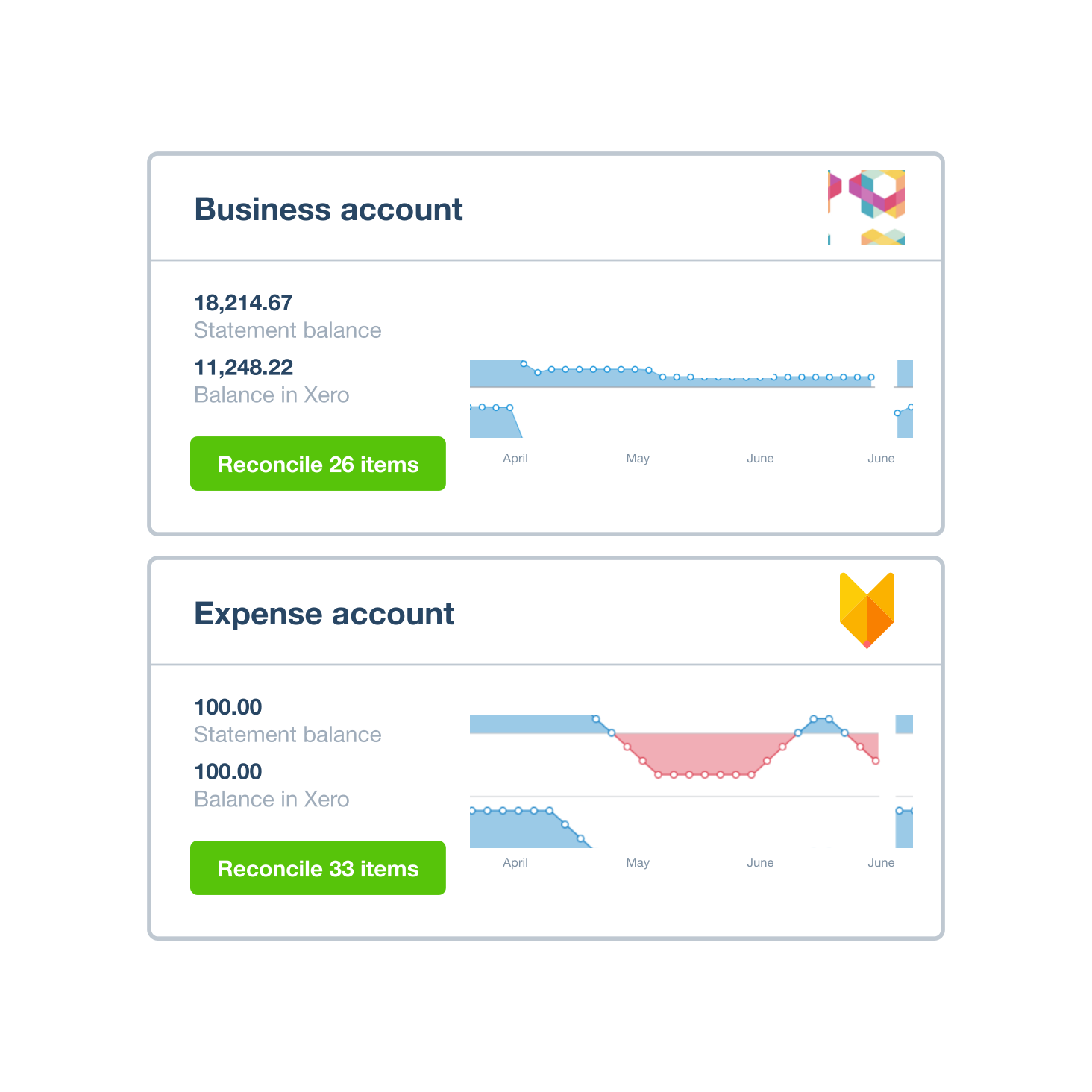
- Xero does support UAE bank feeds, but coverage is not universal. It currently highlights Wio Bank and Alaan, with more local connections becoming available over time.
- Feed problems usually come down to one of six causes: an unsupported bank, an ineligible account type, the wrong regional bank listing, expired authentication or consent, a bank-side disruption, or transactions that are simply delayed rather than broken.
- You can use Xero fully without a bank feed. Add the account manually, import statement files (OFX, QIF, QBO, QFX or CSV), and reconcile as normal.
- A missing bank feed is a data-import problem, not an accounting-control problem. Reconciliation works the same way once the bank data is in Xero, whether it arrived automatically or by manual import.
- A missing feed does not make Xero unsuitable for a UAE business. It affects operational efficiency, especially at high transaction volumes, not the ability to keep accurate books.
Overview
Xero bank feeds do work in the UAE, but they do not work with every UAE bank account. As of 28 August 2026, Xero's UAE page specifically highlights Wio Bank and Alaan and says additional local connections are available. The practical issue is coverage: the exact bank, account type and connection must be supported before transactions can flow automatically into Xero.
So when someone says "Xero bank feeds don't work in the UAE," the more accurate answer is: some work, some do not, and even a supported bank can have individual account types or connections that are unavailable or temporarily disrupted.
In this guide:
- Why are Xero bank feeds limited in the UAE?
- The 6 most common reasons a UAE Xero bank feed does not work
- Which UAE banks does Xero support?
- What should you do if your UAE bank has no Xero feed?
- How to troubleshoot a UAE Xero bank feed that used to work
- Does a missing bank feed make Xero unsuitable for a UAE business?
- Bank feed vs bank reconciliation: they are not the same thing
- UAE example: a bank with no usable feed
- Quick checklist before blaming Xero
- How Maaliya can help when the feed is missing
- Frequently asked questions
- Sources
Why are Xero bank feeds limited in the UAE?
A Xero bank feed is not created by Xero alone. Xero explains that feed options depend on the technical capabilities and preferences of the banks and financial institutions providing the data. Xero also relies on banks to make recent transactions available for import.
That means UAE coverage can differ from markets where Xero has a larger network of long-established direct or open-banking integrations. A bank can be perfectly usable for business banking while still not offering the specific connection Xero needs for a particular corporate account.
The 6 most common reasons a UAE Xero bank feed does not work
1. Your bank is not available as a Xero feed
The first check is simply whether Xero offers a feed for the institution. Xero's UAE bank-connections guidance tells users to check Accounting, then Bank accounts, then Add bank account, to see whether an automated feed exists. If the institution does not support a feed, Xero recommends adding the account without a feed and importing bank data manually.
Do not assume support based only on the bank's name or size. The live connection list inside Xero is the better source of truth because availability can change.
2. The bank is supported, but your account type is not
Bank-feed eligibility can be account-specific. A provider might support one type of current account while excluding another product, credit facility, card, foreign-currency account or corporate structure. This is why having your bank appear in Xero does not automatically mean your specific account will connect.
3. You selected the wrong regional bank listing
Xero can list institutions from different countries or regions. Its bank-feed setup guidance notes that users can change the country when searching for a bank. Selecting a similarly named institution from the wrong market can lead to a dead end or an incompatible connection flow.
4. The connection needs fresh authentication or consent
Some connection types rely on authentication and consent through the bank or a connectivity provider. If credentials, permissions, security settings or the bank's API change, a feed can stop importing even though it previously worked. A failed feed therefore does not always mean the bank is permanently unsupported.
5. The bank or feed provider is experiencing a disruption
Bank feeds can be disrupted independently of the rest of Xero. Xero's status page directs users with feed problems to its bank-feed disruptions resources. On 28 August 2026, Xero's public status page showed its systems operational, which is useful context: if only your account is failing while Xero is otherwise operational, investigate the specific connection rather than assuming a platform-wide outage.
6. The feed is connected, but transactions are delayed
A bank transaction appearing in online banking does not guarantee immediate appearance in Xero. Xero says it relies on banks to make recent transactions available and cannot guarantee that a transaction will be available as soon as it appears in the bank portal. A delayed feed and a broken feed are therefore not the same issue.
Talk to Maaliya about your specific UAE bank, account type and Xero setup so you are not left guessing at the cause.
Book a free consultation today!Which UAE banks does Xero support?
Xero currently names Wio Bank and Alaan on its UAE page and says it connects with those providers "and more." Xero does not present that marketing page as a complete, permanent list of every supported UAE account.
The safest process is to search for your exact bank from inside the Xero organisation, then test the actual corporate account you intend to use. Support for a personal account, another legal entity or a different currency should not be treated as proof that your target business account will work.
For the setup process itself, see Maaliya's Connecting UAE Bank Accounts to Xero: 2026 Guide.
What should you do if your UAE bank has no Xero feed?
You can still use Xero normally. A bank feed is an automation layer, not a requirement for keeping the bank ledger in Xero. Add the bank account without a feed, import the statement data, then reconcile the imported lines against invoices, bills, transfers and other accounting transactions.
Xero's UAE guidance says manual imports can use formats including OFX, QIF, QBO, QFX and CSV. Xero also checks imported data for duplicates, while CSV files may require field mapping or cleanup before final import.
A practical monthly workflow without a bank feed
If you are configuring the full accounting file rather than only the bank connection, use Maaliya's Xero UAE Setup Guide to keep the bank, chart of accounts, VAT and opening balances aligned.
How to troubleshoot a UAE Xero bank feed that used to work
If the feed previously imported transactions and then stopped, do not immediately delete the Xero bank account. That can create avoidable reconciliation and historical-data problems. Work through the connection first.
- Check the last statement date imported into Xero and compare it with the latest transaction date in online banking.
- Check Xero's status and bank-feed disruption information before changing the setup.
- Confirm the bank account, user permissions and online-banking access are still active.
- Follow Xero's connection prompts if re-authentication or reconnection is requested.
- If transactions are missing, import only the missing date range and check carefully for overlap before reconciling.
Does a missing bank feed make Xero unsuitable for a UAE business?
Not necessarily. For many SMEs, a missing feed is an operational inconvenience rather than a reason to reject the accounting system. Xero can still hold the bank ledger, invoices, bills, reconciliations and financial reports. The real question is how much manual statement handling your finance team is willing to accept. Maaliya's Xero suitability guide for UAE businesses looks at the wider trade-offs.
For a business with one bank account and modest transaction volume, a clean monthly import may be completely manageable. For a company with several entities, multiple currencies and thousands of bank lines, lack of reliable feeds becomes a much bigger process cost and may justify a dedicated bank-data workflow.
Bank feed vs bank reconciliation: they are not the same thing
A bank feed gets statement lines into Xero. Reconciliation is the accounting process of matching those lines to the transactions recorded in the books. Xero's bank-reconciliation tools can suggest matches and apply rules once the bank data is present, regardless of whether that data arrived automatically or by manual import.
"A missing bank feed is a data-import problem. An unreconciled bank account is an accounting-control problem. Do not treat them as the same thing."
UAE example: a bank with no usable feed
Assume a UAE consultancy has 450 bank transactions each month and its corporate account does not offer a usable Xero feed. The company can export the monthly transaction file, import it into Xero and reconcile it normally. The accounting result can be just as accurate as a direct feed if the import is complete and controlled. The difference is the extra operational work required to obtain, check and upload the bank data.
That is the important distinction for UAE SMEs evaluating software: bank-feed availability affects efficiency, not the basic ability to use Xero as an accounting ledger.
Quick checklist before blaming Xero
Before assuming the problem is Xero itself, work through this checklist:
- Search for the exact institution under Add bank account in your UAE Xero organisation.
- Confirm your specific account type is eligible, not merely that the bank name appears.
- Check the latest imported date before deciding the feed has stopped.
- Check for connection prompts, authentication problems or known disruptions.
- Use a controlled statement import if the feed is unavailable rather than leaving the bank unreconciled.
How Maaliya can help when the feed is missing
When a UAE bank feed is unavailable, the repetitive part is getting clean statement data into the finance workflow and reconciling it consistently. Maaliya's bank-statement processing and reconciliation workflow is designed around that gap: it turns bank data into structured transaction lines, lets you review the accounting treatment, and keeps Xero as the ledger instead of waiting for every UAE bank to offer the same native feed coverage.
Skip the manual import work. Maaliya turns UAE bank statements into structured, reconciliation-ready transactions.
Parse your bank statements now!Frequently asked questions
Yes. Xero has UAE bank-feed connections and currently highlights Wio Bank and Alaan. Coverage is not universal, so check the exact bank and account inside Xero before relying on an automated feed.
The bank may support feeds only for certain account types or connection methods. Confirm eligibility for the exact corporate account and follow the bank-specific connection flow shown in Xero.
Yes. Add the bank account without a feed, import supported statement files manually, and reconcile the imported lines. The bank feed automates data entry; it is not required for Xero bookkeeping.
No. Xero states that its bank-feed connection cannot make payments or move money from your accounts. The feed is used to bring transaction data into Xero for accounting and reconciliation.
Usually not on that factor alone. Compare the value of automated feeds with banking fees, payment functionality, credit facilities, service quality and the operational cost of manual imports. For a high-volume finance team, feed availability can matter much more than it does for a small business with a few hundred monthly lines.
Related Articles

Sources
Xero UAE: eInvoicing and VAT Software for the UAE. Current product page; accessed 28 August 2026.
Xero UAE: Connect Your Bank to Xero. Current bank-feed guidance; accessed 28 August 2026.
Xero Central: About bank feeds. Current help guidance; accessed 28 August 2026.
Xero: Xero Status. Checked 28 August 2026; systems shown operational at the time of research.
This article is general information about accounting software and finance operations. Bank-feed availability and supported account types can change, so confirm your exact account inside Xero before making a banking or software decision.
Like what you read? Add Maaliya as a preferred source on Google.
Built for the UAE.