Maaliya AppFinance software you use yourself
AccountingOur accountants run your finances
Business ServicesSet up, run or close a UAE company
ResourcesGuides, research and free tools
About usWho we are and how to reach us
Xero Duplicate Transactions: Causes, Fixes & Prevention (2026)
 Lina Mansouri
Overview
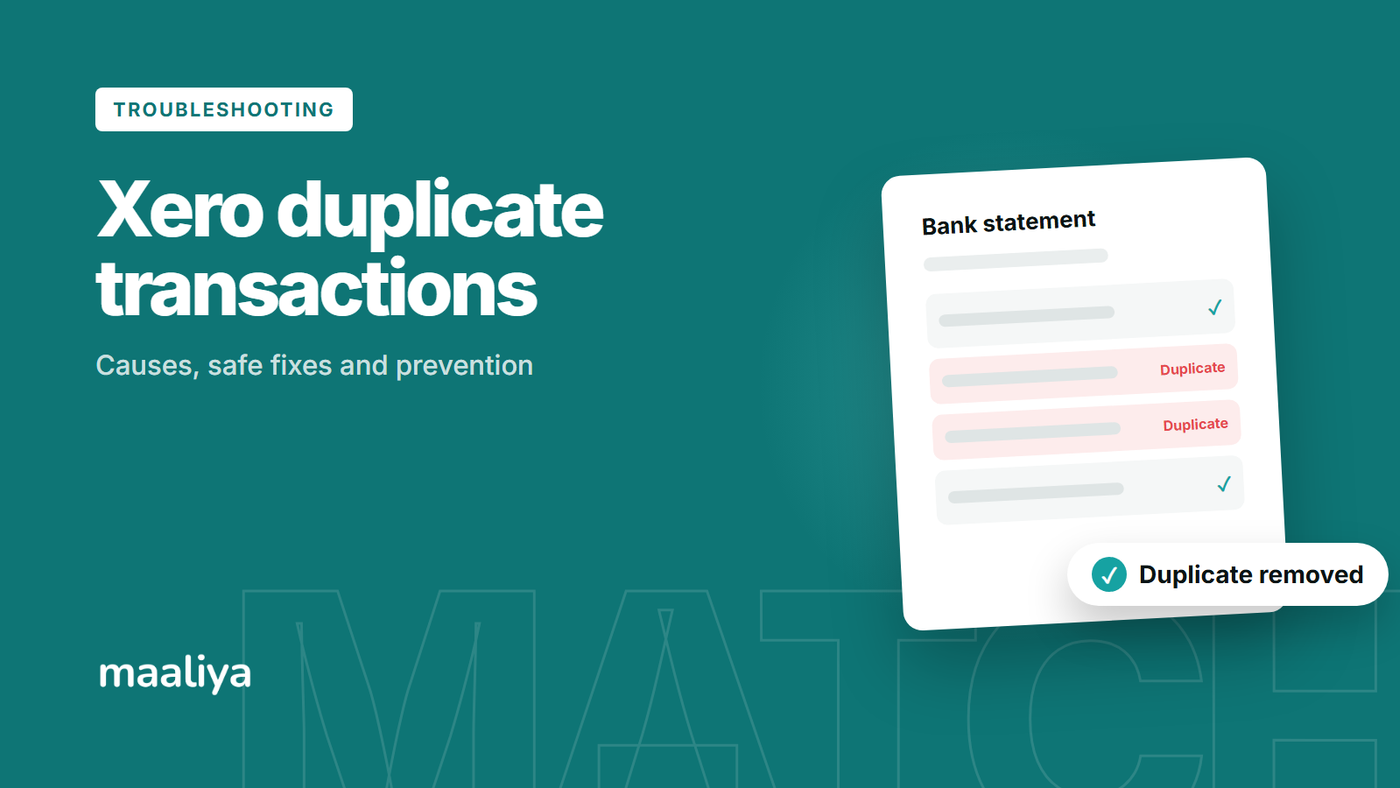
Duplicate transactions in Xero usually stem from duplicate bank statement lines or duplicate accounting entries. The safest fix is to identify which side is duplicated before changing anything: if the bank shows a transaction once, Xero should ultimately reflect that same movement once, too.
In this guide:
- Why Duplicate Transactions Appear in Xero
- How to Identify the Real Duplicate
- How to Fix Duplicate Bank Statement Lines Safely
- What If the Duplicate Is an Accounting Transaction?
- Feed and Manual Import Overlap in the UAE
- Duplicate-Check Workflow
- How to Prevent Duplicates
- Using Maaliya's Bank Statement Parser
- Frequently Asked Questions
- Sources
Why Duplicate Transactions Appear in Xero
A common cause is overlap between a bank feed and a manual statement import. For example, a UAE business might manually import August's transactions while the feed is delayed, and the feed later backfills part of that month. The same real bank movement can then appear twice. Duplicates can also follow a repeated import, overlapping feed history, or an accounting entry that was created twice.
Xero identifies duplicate entries as a common cause of reconciliation discrepancies. It has also stated that it does not automatically remove all apparent duplicate statement lines. Its Duplicate statement lines report helps users identify candidates and decide which line is genuine.
Book a free consultation with Maaliya's team to sort out duplicate transactions and get your UAE bookkeeping back on track.
Book a free consultation today!How to Identify the Real Duplicate
Start with the bank's official statement and compare date, amount, description and reference for each entry. Two entries with the same date and amount are not automatically duplicates, since recurring charges, fees, payroll and transfers can genuinely repeat.
If the bank shows one movement but Xero shows two bank statement lines, the duplication is likely on the statement side: check whether one line came from a feed and the other from a manual import. If Xero has one statement line but two expenses, receipts or payments in the ledger, the duplication is on the accounting side.
Use Xero's Duplicate statement lines report as a detection tool, not proof, and verify a flagged line against the source bank statement before correcting it.
How to Fix Duplicate Bank Statement Lines Safely
Once a duplicate statement line is confirmed, preserve the line that correctly represents the bank movement and correct the duplicate using Xero's bank statement controls. If a line is already reconciled, inspect what it was matched to first; Xero's reconciliation tools include Remove & Redo for this kind of correction.
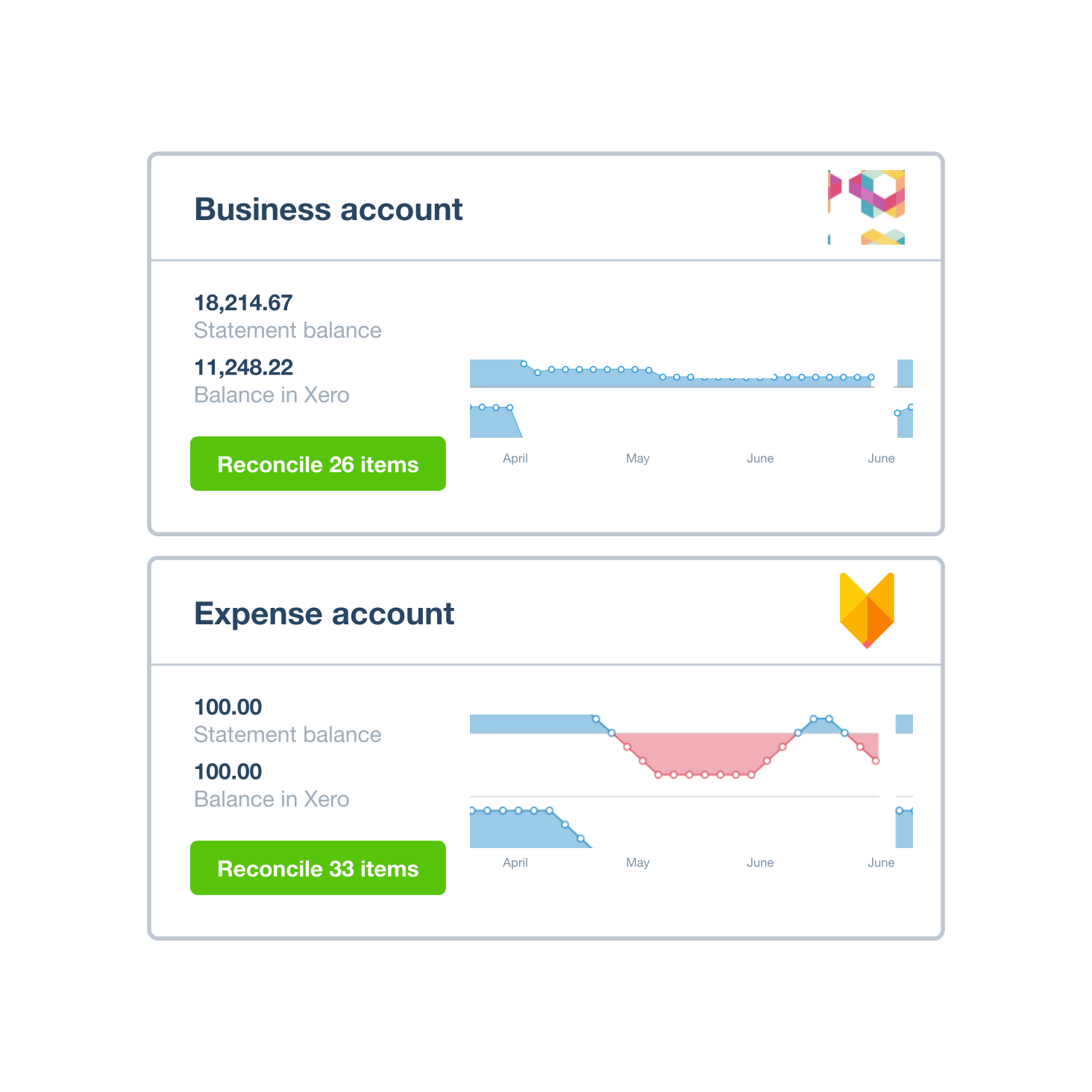
After the correction, compare Xero's statement balance with the actual bank statement balance for the same date. If they still disagree, investigate another duplicate, a missing line, an opening balance issue or a transaction recorded against the wrong bank account.
What If the Duplicate Is an Accounting Transaction?
Suppose the bank paid AED 5,250 once. Xero has one AED 5,250 statement line, but the books contain both a manual spend money entry and a supplier bill and payment for the same amount. In this case the bank data is correct, and changing the statement line would only make the reconciliation worse. Review which accounting entry represents the real transaction, including the invoice number, VAT treatment and payment, then correct the erroneous accounting entry.
If a duplicate accounting entry has already affected a UAE VAT return or a closed period, assess the reporting impact and preserve an audit trail rather than making an unexplained historical change.
Feed and Manual Import Overlap in the UAE
Manual CSV or statement imports are useful when a UAE bank feed is delayed or unavailable, but overlapping date ranges create risk. Before importing, check the last transaction already present in Xero and the first transaction in the file. After importing, reconcile the closing balance to the bank's official statement.
For UAE businesses that regularly work around feed gaps, our guide to Best Alternatives to Xero Bank Feeds in the UAE and our Xero Reconciliation Guide UAE cover the wider workflow in more depth.
- Compare Xero with the official bank statement and find the first date the balances stop agreeing.
- Compare date, amount, description and reference; don't rely on amount and date alone.
- Determine whether the duplicate is a bank statement line, an accounting transaction, or both.
- Correct only the confirmed duplicate, reconcile again, and confirm the closing balance.
- Review VAT and closed-period implications before changing previously reported entries.
How to Prevent Duplicates
Use one controlled process for bank data. Record which periods were manually imported, retain the original source files, and check for overlap whenever a feed resumes. Reconcile frequently so any discrepancy stays isolated to a smaller period.
Xero's automated reconciliation can use rules, matching, memory and prediction, but automation does not replace a review of the source records. The accounting still needs to reflect real bank activity.
Using Maaliya's Bank Statement Parser
If your UAE bank feed is unavailable, or you work with PDF statements, Maaliya's Bank Statement Parser can help structure statement data before import and reconciliation. Define the exact statement period, avoid overlapping uploads, and compare Xero's resulting balance with the bank's official closing balance.
Let Maaliya turn your UAE bank statements into clean, structured data before you import them into Xero.
Parse your bank statements now!Frequently Asked Questions
A common cause is overlapping data from a manual statement import and a bank feed. Verify both entries against the bank statement before treating either as a duplicate.
No. Xero has stated that it does not automatically remove duplicate statement lines for users. Its Duplicate statement lines report helps identify possible duplicates for review.
Yes. Repeated payments can genuinely share a date and amount. Check references, descriptions and the source bank statement.
Related Maaliya Content


Sources
Xero, “What is Bank Reconciliation, Xero UAE”, available at xero.com/ae/glossary/bank-reconciliation, accessed 27 September 2026.
Xero Product Ideas, “Bank Reconciliation: Automatically recognise and remove duplicate statement lines”, Community Manager update, 16 June 2025, accessed 27 September 2026.
Xero, “Automatic Bank Reconciliation Software” by JAX, available at xero.com/au/accounting-software/reconcile-bank-transactions, accessed 27 September 2026.
Lina Mansouri is a Corporate Services specialist at Maaliya, where she helps UAE businesses with company incorporation, VAT and corporate tax registration, and liquidation. She writes Maaliya's guides to Xero, UAE VAT, bank reconciliation and eInvoicing, drawing on the questions UAE founders and finance teams bring to Maaliya every day.
Like what you read? Add Maaliya as a preferred source on Google.
Built for the UAE.