Xero Payment Reminders UAE: Setup, Cadence & Templates (2026)
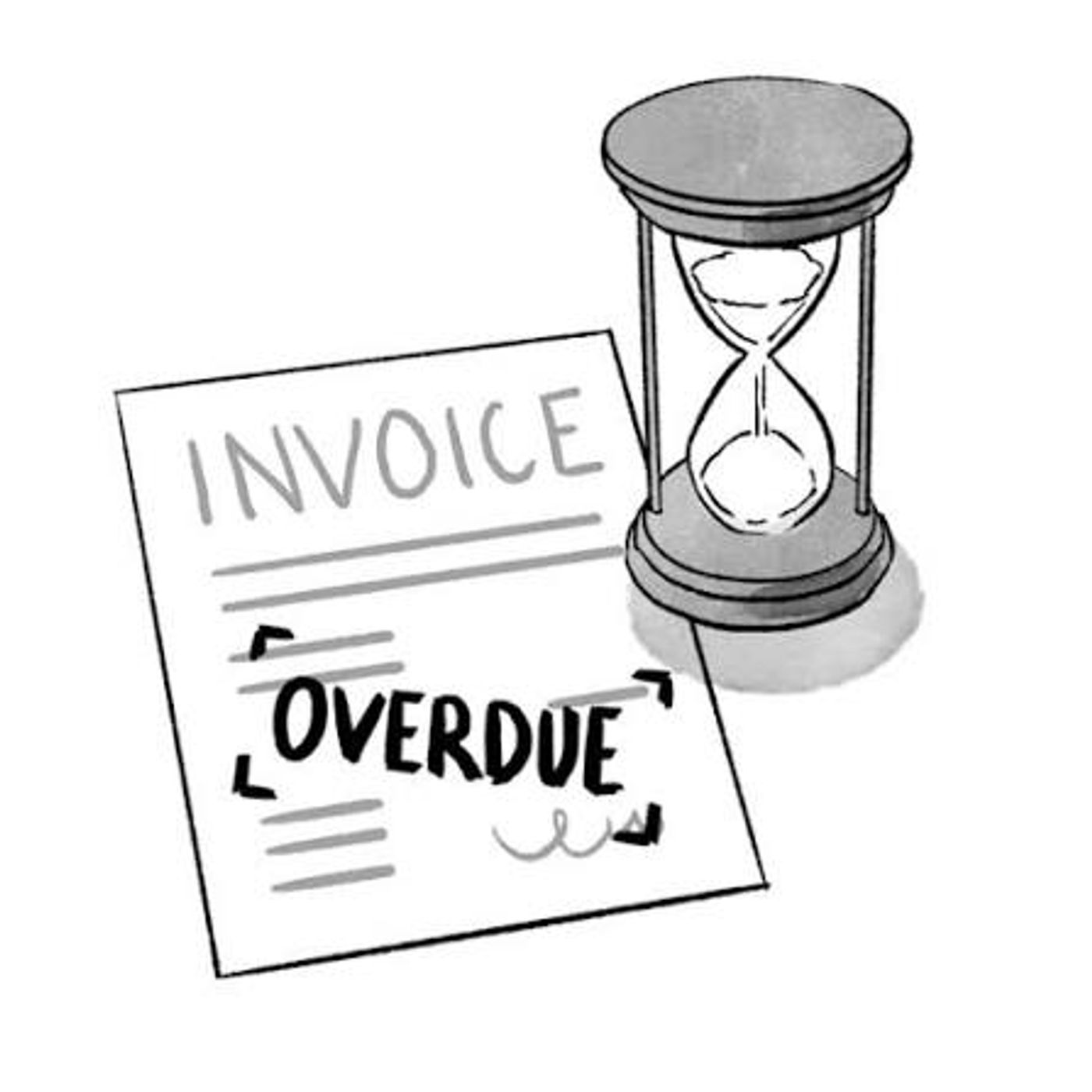
- Xero can automatically email customers before and after an invoice's due date, with reminder timing and wording controlled by the business.
- Reminders can be turned on or off at the organisation, customer or invoice level.
- Xero sends scheduled reminders each day between 4am and 8am in the organisation's time zone, which can mean early-morning delivery for UAE-based accounts.
- A practical cadence for UAE SMEs starts with a friendly reminder before the due date, a polite nudge a few days overdue and a firmer follow-up around 10 days overdue, with manual escalation after about 21 days.
- Reminders should be switched off for disputed invoices, agreed payment extensions, incorrect contact details and other sensitive exceptions.
- An invoice must be marked as sent for overdue reminders to trigger, and reminders work best as one part of a wider accounts-receivable process rather than a replacement for credit control.
Overview
Xero payment reminders can automatically follow up UAE customers before or after an invoice's due date, cutting down on routine collection work while keeping the business in control of timing and wording. The best setup is not simply switching reminders on: it takes a deliberate cadence, correct due dates and customer email addresses, and a process for pausing automation when an invoice is disputed or a payment extension has been agreed.
In this guide:
- How Xero Payment Reminders Work
- How to Set Up Invoice Reminders in Xero
- A Practical Reminder Cadence for UAE SMEs
- Payment Reminder Wording That Actually Works
- When to Turn Off Xero Reminders
- Why a Xero Reminder Might Not Send
- Do Payment Reminders Improve Cash Flow?
- A Simple AED Example
- Connect Reminders to Your UAE Invoicing Process
- Recommended Monthly Control Checklist
- Frequently Asked Questions
- How Maaliya Can Help
- Sources
How Xero Payment Reminders Work
Xero's invoice reminder feature sends scheduled emails based on an invoice's due date. According to Xero Central, reminders can be sent before an invoice is due as well as after it becomes overdue, and they can be turned on or off for the organisation, an individual customer or specific invoices.
Xero currently sends scheduled invoice reminders each day between 4am and 8am based on the organisation's time zone. That matters for UAE businesses: if your Xero organisation is configured to UAE time, customers may receive reminder emails early in the local morning rather than during office hours.
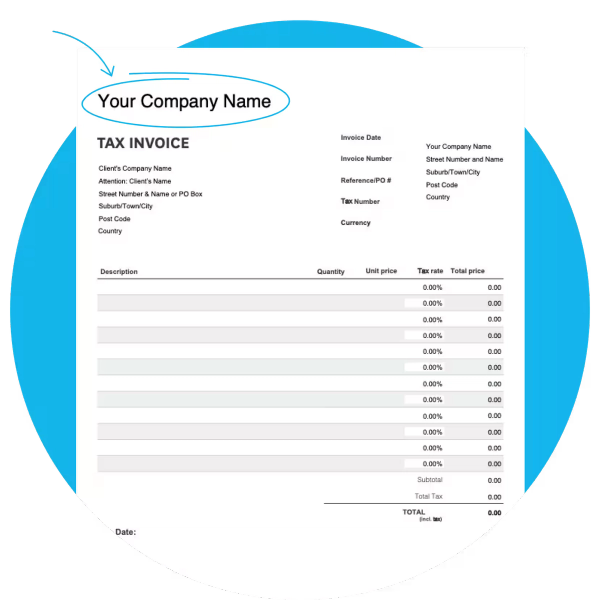
Reminders are only as good as the invoice behind them. Generate a properly structured, VAT-compliant UAE invoice in minutes with Maaliya's free tool.
Create VAT Invoice Now!How to Set Up Invoice Reminders in Xero
In Xero, go to Sales, open Sales settings, choose Invoice settings and then Invoice Reminders. Enable the option to email customers when an invoice reaches the reminder timing you choose. Xero offers common preset intervals and lets you add or edit reminder settings.
A Practical Reminder Cadence for UAE SMEs
There is no single legally required reminder schedule for ordinary commercial invoices. Your cadence is a credit-control policy, so it should reflect the customer's payment terms, relationship and risk. For many UAE SMEs selling on 15- to 30-day terms, the following is a sensible starting point rather than a rigid rule.
3 Days Before Due Date: Friendly Heads-Up
Keep this light. Confirm the invoice number, amount and due date, and invite the customer to flag any issue before the due date. The goal is to prevent an avoidable late payment, not to imply the account is already overdue.
3 Days Overdue: Polite Payment Reminder
At this stage, assume the delay may be administrative. State that the invoice is overdue, include the amount and due date, and ask the customer to confirm payment status or advise if anything is blocking settlement.
10 Days Overdue: Firmer Follow-Up
A second overdue reminder should be more direct. Ask for a specific payment update and make clear that the balance remains outstanding. For higher-value invoices, this is also a good point for a finance-team call rather than relying only on automation.
21 Days Overdue: Move From Reminder to Collection Action
By this point, repeating the same automated email often adds little value. Review the account manually, confirm whether there is a dispute, escalate internally, and decide whether to suspend further credit or follow your formal collection process. The exact action should follow your contract and company policy.
Payment Reminder Wording That Actually Works
Good reminder emails are short and specific. They should tell the customer what is due, when it was due and what you want them to do next. Avoid vague language such as "please look into this" when what you actually need is a payment date.
When to Turn Off Xero Reminders
Automation becomes counterproductive when an invoice needs human judgment. Xero lets you disable reminders for specific customers or invoices, which is useful for exceptions such as:
- The customer has raised a genuine invoice dispute that is still being investigated.
- You have agreed an extension or payment plan that makes the original due date misleading.
- The invoice was issued to the wrong contact, or the customer's email address is incorrect.
- A material credit note, refund or adjustment is still being processed.
- The relationship or balance is sensitive enough that manual collection is more appropriate.
Why a Xero Reminder Might Not Send
Xero's reminder status and history guidance lists several common reasons a reminder may not be sent: the reminder was enabled too late, the invoice was recorded as paid, the due date changed after the reminder date, the customer's email address is missing, the invoice was not marked as sent, or reminders were disabled for that customer or invoice.
An important operational detail is that an invoice needs to be marked as sent for overdue reminders to work, as Xero explains in its mark transactions as sent guidance. Emailing an invoice from Xero normally marks it as sent automatically.
Do Payment Reminders Improve Cash Flow?
Reminders can improve the collection process, but they are not a substitute for credit control. Their biggest benefit is consistency: every eligible overdue invoice receives a follow-up without someone having to remember to send it, which reduces the chance that small overdue balances sit untouched for weeks.
Xero's own get-paid-faster guidance combines reminders with accurate due dates, payment options and bank connectivity. That is the right way to think about collections: reminders are one control inside a wider accounts-receivable process.
A Simple AED Example
Assume a UAE consultancy issues 20 invoices per month averaging AED 8,000, so monthly credit sales are AED 160,000. If five customers pay late and each manual chase takes 10 minutes, two rounds of chasing already consume about 100 minutes. Automating the routine reminders does not guarantee faster payment, but it removes much of that repetitive work and lets finance focus on the customers that genuinely need intervention.
Connect Reminders to Your UAE Invoicing Process
Reminders only work well when the invoice itself is correct. Before automating collection emails, make sure your invoices have the right customer details, due dates and UAE tax information. See Maaliya's guide to creating UAE-compliant invoices in Xero and, for recurring billing, the guide to Xero recurring invoices in the UAE.
Recommended Monthly Control Checklist
- Review the Awaiting Payment list and aged receivables at least weekly.
- Check reminder history for invoices that should have triggered but did not.
- Remove reminder exclusions once disputes or extensions are resolved.
- Escalate high-value or repeatedly overdue accounts to manual collection instead of endlessly adding reminder emails.
- Reconcile incoming payments promptly so the accounting system reflects what has actually been settled.
For the last point, Maaliya's Xero reconciliation guide for UAE businesses explains how to match payments and keep receivables accurate.
Maaliya helps UAE businesses set up Xero invoicing, reminders and reconciliation so nothing falls through the cracks.
Book a free consultation today!Frequently Asked Questions
Yes. Xero supports invoice reminders before the due date as well as after an invoice becomes overdue. You choose the reminder timing in Invoice Reminders settings.
Yes. Once reminders are enabled for the organisation, Xero lets you turn them off or back on for an individual customer. You can also control reminders for specific invoices.
Common causes include a missing customer email address, the invoice not being marked as sent, reminders being disabled, the reminder being activated after its scheduled date, or the due date being changed after the reminder date passed. Check the invoice's reminder status and History & Notes.
There is no universal schedule. A practical starting point for many SMEs is a friendly reminder a few days before the due date, a polite reminder a few days overdue, and a firmer follow-up around 7 to 14 days overdue, with manual escalation for older or higher-risk balances.
How Maaliya Can Help
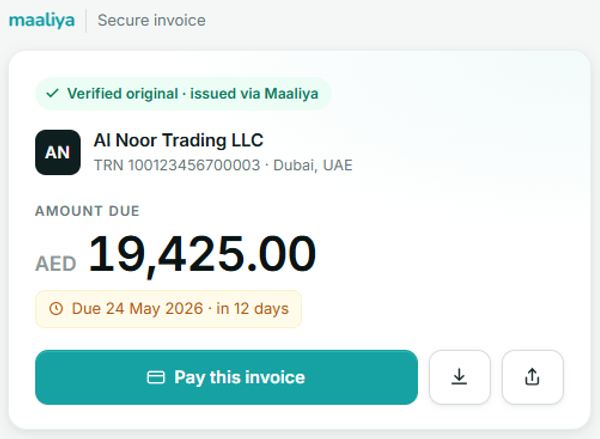
Payment reminders are most useful when the invoicing, bookkeeping and reconciliation behind them are clean. Maaliya helps UAE businesses keep finance operations organised, and its Tax Invoice Generator can help you create a properly structured UAE invoice before the collection cycle even starts.
Related Maaliya Guides
Sources
Xero Central: Turn invoice reminders on or off. Accessed 7 September 2026.
Xero Central: Check an invoice reminder's status and history. Accessed 7 September 2026.
Xero Central: Mark transactions as sent. Accessed 7 September 2026.
Xero Central: Get your invoices paid faster. Accessed 7 September 2026.
Like what you read? Add Maaliya as a preferred source on Google.
Built for the UAE.