Maaliya AppFinance software you use yourself
AccountingOur accountants run your finances
Business ServicesSet up, run or close a UAE company
ResourcesGuides, research and free tools
About usWho we are and how to reach us
Moving to Xero from Excel: UAE Migration Guide (2026)
 Lina Mansouri
Overview
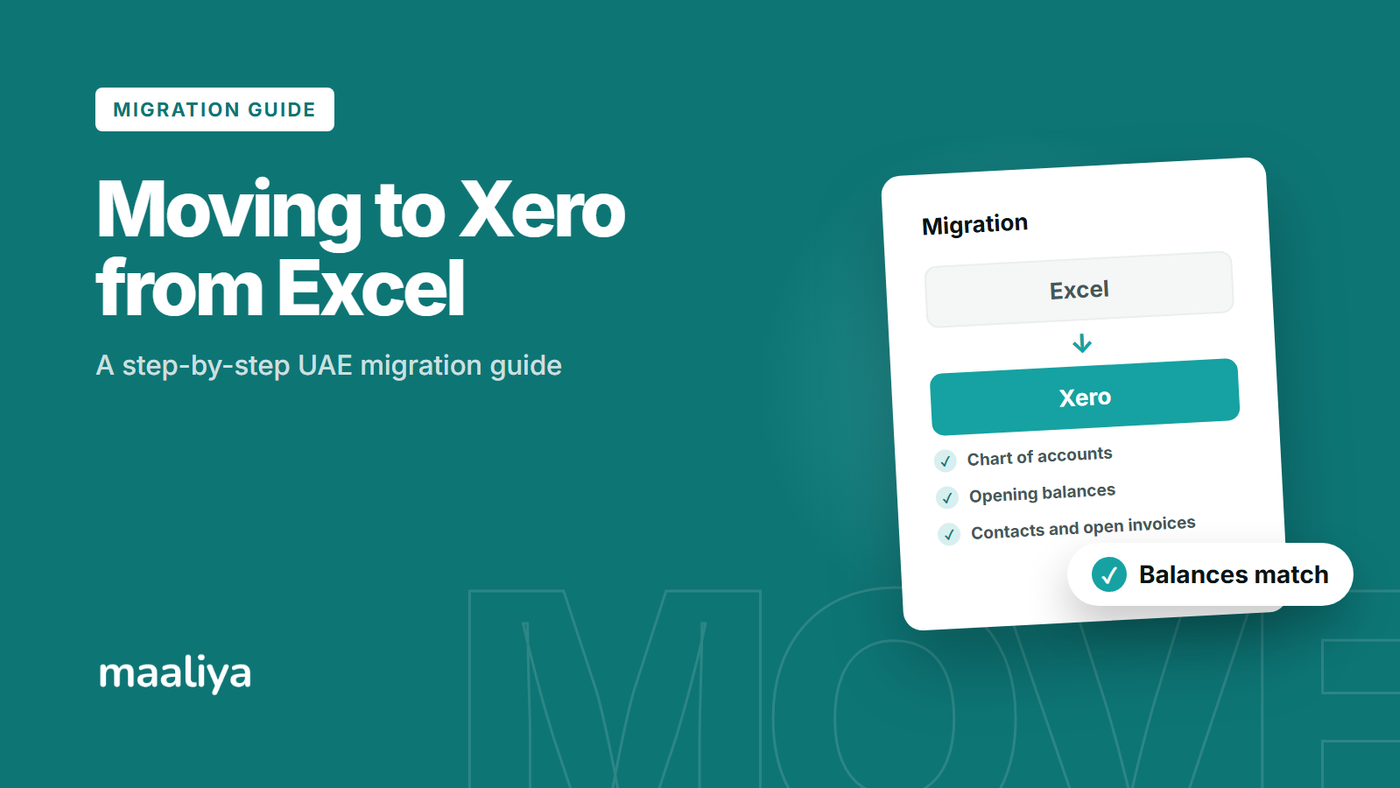
Moving from Excel to Xero is usually easiest when you choose a clean cutover date, tidy your chart of accounts and contacts, enter verified opening balances, and bring across only the historical detail you actually need. For a UAE business, the migration also needs to preserve a defensible VAT trail: invoices, bills, tax treatment, bank activity and supporting records should all reconcile to the figures already reported to the Federal Tax Authority.
In this guide:
- What to Move from Excel to Xero
- Step 1: Choose the Right Xero Cutover Date
- Step 2: Clean Your Chart of Accounts Before Importing It
- Step 3: Clean Customers and Suppliers
- Step 4: Lock Down Your Opening Balances
- Step 5: Decide How Much Transaction History to Migrate
- Step 6: Bring Bank Transactions into Xero Without Duplicates
- Step 7: Protect Your UAE VAT History
- Step 8: Reconcile Xero Before Going Live
- Common Mistakes When Moving from Excel to Xero
- A Simple Migration Checklist
- Frequently Asked Questions
- How Maaliya Can Help With Your Cutover
- Sources
What to Move from Excel to Xero
Do not treat the migration as a copy and paste exercise. Excel often mixes accounting records, operational trackers and calculations in the same workbook, but Xero needs structured accounting data. The core migration set is normally your chart of accounts, customers and suppliers, opening balances, outstanding sales invoices, outstanding supplier bills, bank balances and transactions, and enough VAT history to explain prior returns.
- Chart of accounts: the account list you want to use going forward, with obsolete and duplicate accounts removed.
- Contacts: active customers and suppliers, with names, email addresses, payment terms and other useful defaults cleaned before import.
- Opening balances: verified balances for assets, liabilities and equity at the cutover date.
- Open invoices and bills: amounts still receivable from customers or payable to suppliers at cutover.
- Bank data: closing bank balances plus transactions from the chosen start date, without gaps or duplicates.
- VAT history and evidence: tax invoices, credit notes, import records, adjustments and reconciliations supporting returns already filed.
Xero itself recommends bringing balances from the old system into Xero as conversion balances. Xero also supports CSV contact imports, and its UAE product supports bank transaction imports when a direct feed is unavailable.
Step 1: Choose the Right Xero Cutover Date
The cutover date is the point at which Excel stops being your live accounting system and Xero becomes the system of record. A month end is usually the cleanest choice because you can close and reconcile one full period before opening the next in Xero. A VAT period end can be even cleaner for a VAT-registered UAE business, provided the books are genuinely complete.
For example, if your June books are fully reconciled, you might make 30 June your closing date in Excel and 1 July your operational start in Xero. You then migrate the 30 June closing balances and any open customer or supplier items needed to support them.
Avoid changing systems halfway through a messy month unless there is a good reason. It creates more work around duplicated bank transactions, part-paid invoices, VAT cut-off and reconciliation.
Step 2: Clean Your Chart of Accounts Before Importing It
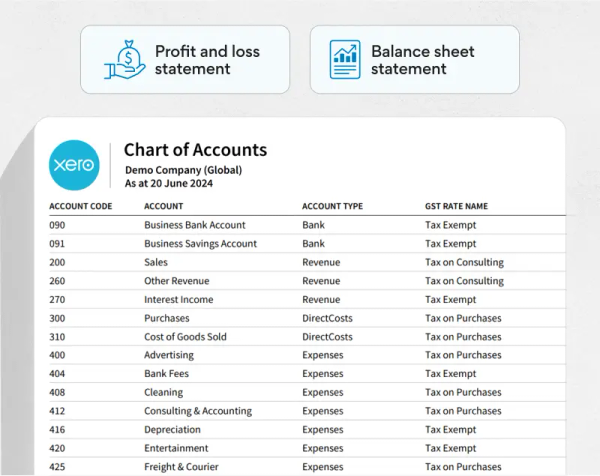
Your Excel account list should not automatically become your Xero chart of accounts. Migration is a good opportunity to remove duplicate expense headings, clarify ambiguous account names and separate accounts that matter for reporting or tax.
Before migration, map each old Excel account to the Xero account you intend to use. Pay particular attention to bank accounts, accounts receivable, accounts payable, VAT control accounts, fixed assets, loans, shareholder or director balances, accruals, prepayments and retained earnings.
For UAE businesses, tax coding should be designed separately from the account name. A transaction being posted to an expense account does not by itself establish whether the VAT is recoverable, zero-rated, exempt, outside scope or subject to reverse charge.
For a fuller walkthrough of setting this up, see our Xero Chart of Accounts UAE setup guide.
Step 3: Clean Customers and Suppliers
Importing a messy contact list creates a messy Xero organisation. Standardise customer and supplier names, merge obvious duplicates, remove unusable records and check key details before import. Xero provides a templated CSV process for importing contacts and can include information such as payment terms and default accounts.
Be careful with duplicate legal entities entered under different spellings. For example, “ABC Trading LLC,” “ABC Trading L.L.C.” and “ABC Trading” may all be the same counterparty. Cleaning these before migration improves receivables, payables and reporting.
Step 4: Lock Down Your Opening Balances
Opening balances are the bridge between the old records and Xero. They should come from a final, reconciled trial balance at the cutover date, not from estimates or whichever spreadsheet tab looks most current.
At minimum, reconcile cash and bank balances, customer receivables, supplier payables, VAT balances, loans, fixed assets, accumulated depreciation, accruals, prepayments and equity. The migrated opening trial balance should balance before you begin normal bookkeeping in Xero.
What about outstanding invoices and bills?
If a customer still owes you money at cutover, or you still owe a supplier, preserve the underlying open item rather than relying only on a single accounts receivable or accounts payable total. Otherwise you may have the correct balance but no practical way to allocate later receipts and payments to the right invoice or bill.
Use the final Excel ageing reports as a control total. After migration, Xero's receivables and payables should agree to those reports as at the same date.
Step 5: Decide How Much Transaction History to Migrate
You do not always need years of line-by-line Excel transactions inside Xero. There are two broad approaches: start Xero with verified conversion balances and retain the old records separately, or recreate or import more historical detail where comparative reporting, customer history, supplier history or audit support justifies it.
The right choice depends on the quality of the Excel data. Importing three years of inconsistent spreadsheets does not make the history cleaner; it can simply move old errors into a new system.
A practical SME approach is often to migrate clean opening balances and open items, then import detailed bank transactions from the cutover date onward. If historical detail is commercially important, plan it as a separate migration workstream and reconcile each imported period.
Step 6: Bring Bank Transactions into Xero Without Duplicates
For UAE businesses, bank data is often the largest part of the migration. Xero's UAE site states that bank transactions can be uploaded in formats including OFX, QIF, QBO, QFX and CSV when a bank feed is unavailable. Xero also checks imported bank data for duplicates, but you should still control the date range yourself.
Do not import the same date range through both a manual file and a bank feed without checking overlap. A clean migration has one continuous bank timeline, not two competing sources.
For more detail on connecting accounts, see our guide to connecting UAE bank accounts to Xero, and our Xero reconciliation guide for UAE businesses once your data is loaded.
If PDF-only statements are slowing down your cutover, Maaliya's Bank Statement Parser converts them into structured data ready for review and import.
Parse your bank statements now!Step 7: Protect Your UAE VAT History
Moving to Xero does not reset your UAE VAT history. VAT returns filed before the migration still need to be supported by the underlying accounting records and documents. The Federal Tax Authority's guidance states that VAT records should provide a sufficient audit trail from source documents through to the tax return, with VAT records generally retained for at least five years, and longer periods applying in some circumstances.
Before cutover, save copies of filed VAT returns and the reconciliations supporting them. Retain issued and received tax invoices, credit notes, import documentation and adjustment workings, then reconcile the VAT control position in Excel to the amount carried into Xero.
Do not re-create historical transactions in Xero with guessed VAT codes simply to make the software look complete. If you migrate detailed history, the VAT treatment should reflect what actually happened and should reconcile to the returns already filed.
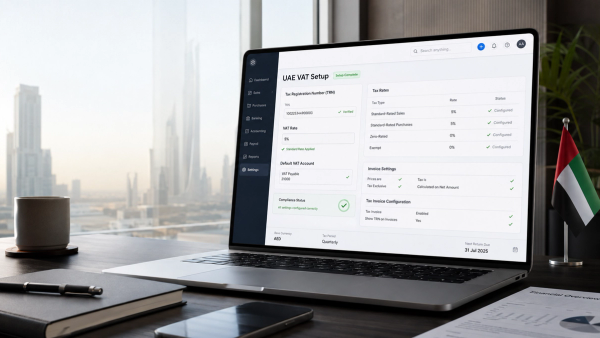
For the full setup process, see Setting Up Xero for UAE VAT: Step-by-Step Guide, and for pitfalls to avoid during and after migration, see Common Xero VAT Mistakes in the UAE.
"VAT records should provide a sufficient audit trail from source documents through to the tax return, and are generally retained for at least five years, with longer periods applying in some circumstances."
– UAE Federal Tax Authority, Taxable Person Guide for Value Added Tax
Before you cut over, run your VAT position through Maaliya's VAT Health Checker to confirm your records reconcile to what has already been filed.
Check VAT Health NowStep 8: Reconcile Xero Before Going Live
A migration is not finished when the import succeeds. It is finished when the new ledger agrees to the old one at the cutover date.
- Trial balance: total debits and credits agree to the final Excel trial balance.
- Bank: each Xero bank account agrees to its statement and migration control balance.
- Receivables: customer balances and open invoices agree to the final ageing.
- Payables: supplier balances and open bills agree to the final ageing.
- VAT: the VAT control balance agrees to the filed-return reconciliation and any unpaid VAT position.
- Fixed assets and loans: balances agree to supporting schedules.
Keep a migration pack containing the final Excel reports, bank statements, VAT reconciliations, import files and a note of any migration adjustments. That gives your accountant or auditor a clear bridge between the two systems.
Common Mistakes When Moving from Excel to Xero
Importing everything because it exists
More data is not automatically better. Prioritise clean, reconciled accounting records over years of duplicated or inconsistent spreadsheet history.
Using an unreconciled cutover balance
If the old ledger is wrong at cutover, Xero starts wrong. Reconcile before migrating rather than hoping the new software will reveal or fix every historical error.
Ignoring open invoices and bills
A single receivables or payables opening balance may balance the ledger, but it makes collections, supplier payments and ageing reports much harder to manage.
Treating VAT codes as a migration shortcut
VAT treatment follows the underlying transaction and UAE VAT rules. Do not infer tax treatment only from an expense category or supplier name.
Running Excel and Xero in parallel for too long
A short, controlled parallel check can be useful, but prolonged dual bookkeeping creates conflicting records. Set a clear date after which Xero is the live ledger.
- Choose and document the cutover date.
- Close and reconcile Excel through that date.
- Clean and map the chart of accounts.
- Clean customer and supplier contacts.
- Prepare the final trial balance and ageing reports.
- Identify open invoices and bills.
- Reconcile VAT and retain filed-return support.
- Import conversion balances and required open items.
- Import bank transactions from the agreed start date.
- Reconcile Xero back to the migration control reports.
- Archive the Excel files and source documents rather than deleting them.
Frequently Asked Questions
Yes. A business can start Xero from a chosen conversion date using verified opening balances and retain older records separately. The right amount of history to bring in depends on your reporting, tax, audit and operational needs.
Xero requires the conversion date to be the first day of a month and recommends aligning it with the start of a sales-tax period. For a VAT-registered UAE business, the start of a VAT period can reduce reconciliation complexity.
They still need to be retained for the applicable statutory period. Changing accounting systems does not remove the obligation to preserve records supporting VAT returns that have already been filed.
Yes. Xero's UAE site supports manual bank transaction imports in formats including OFX, QIF, QBO, QFX and CSV when a bank feed is not available. For PDF-only statements, a parser can first convert the statement data into a structured format suitable for review and import.
Yes. Keep the final source files, supporting documents and migration reconciliation pack, since historical files may still be needed for tax, audit, accounting or commercial questions.
How Maaliya Can Help With Your Cutover
If the hard part of your migration is turning UAE bank statements into clean transaction data, or checking whether your VAT records are ready for the move, Maaliya's Bank Statement Parser and VAT Health Checker can help you prepare before you start posting into Xero.
Talk to Maaliya about preparing your bank data and VAT records before you cut over to Xero.
Book a free consultation today!Related Maaliya Content

Sources
Xero, Getting Started With Xero. Accessed 20 September 2026.
Xero UAE, Connect Your Bank to Xero: Save Time With Bank Feeds. Accessed 20 September 2026.
Xero UAE, Do Better Business with Xero Contact Management. Accessed 20 September 2026.
UAE Federal Tax Authority, Taxable Person Guide for Value Added Tax. Accessed 20 September 2026.
Lina Mansouri is a Corporate Services specialist at Maaliya, where she helps UAE businesses with company incorporation, VAT and corporate tax registration, and liquidation. She writes Maaliya's guides to Xero, UAE VAT, bank reconciliation and eInvoicing, drawing on the questions UAE founders and finance teams bring to Maaliya every day.
Like what you read? Add Maaliya as a preferred source on Google.
Built for the UAE.