Maaliya AppFinance software you use yourself
AccountingOur accountants run your finances
Business ServicesSet up, run or close a UAE company
ResourcesGuides, research and free tools
About usWho we are and how to reach us
Xero Exchange Rate Problems: UAE Troubleshooting Guide (2026)
 Lina Mansouri
- A foreign invoice can legitimately create an FX gain or loss when its settlement rate differs from its original transaction rate.
- Realised FX generally arises when a foreign-currency monetary balance is settled; unrealised FX reflects remeasurement while it remains open.
- A UAE bank's customer rate can differ from a reference rate because of spreads and fees, so the AED cash amount may not equal a simple market-rate conversion.
- Where VAT is involved, review the VAT treatment separately rather than changing tax codes just to force the AED totals to match.
Overview
If Xero shows an exchange rate, foreign-currency balance or FX gain or loss that looks wrong, start by checking the transaction date, currency, original invoice or bill rate, and settlement rate. Xero converts foreign-currency transactions into your organisation's base currency and can apply automatic daily rates, while also allowing you to override the rate on an individual transaction. Most apparent errors come from dates, manual rate overrides, payment matching or bank pricing rather than a broken calculation.
In this guide:
- How Xero Handles Foreign Currencies
- Why Does Xero Show the Wrong Exchange Rate?
- Why Is There an FX Gain or Loss When the Invoice Amount Didn't Change?
- Realised vs Unrealised Exchange Gains and Losses
- Xero Foreign Invoices: What to Check
- Xero Bank Transactions and Foreign Currency
- What If the AED Balance Is Still Wrong After Reconciliation?
- Does an Exchange-Rate Problem Affect UAE VAT?
- A Practical Troubleshooting Checklist
- Frequently Asked Questions
- Maaliya Can Help You Clean Up the Workflow
How Xero Handles Foreign Currencies
Xero uses a base currency for your organisation. When a transaction is entered in another currency, Xero translates it into that base currency. Xero states that it automatically applies exchange rates to foreign-currency transactions and allows you to override the rate on an individual transaction when needed.
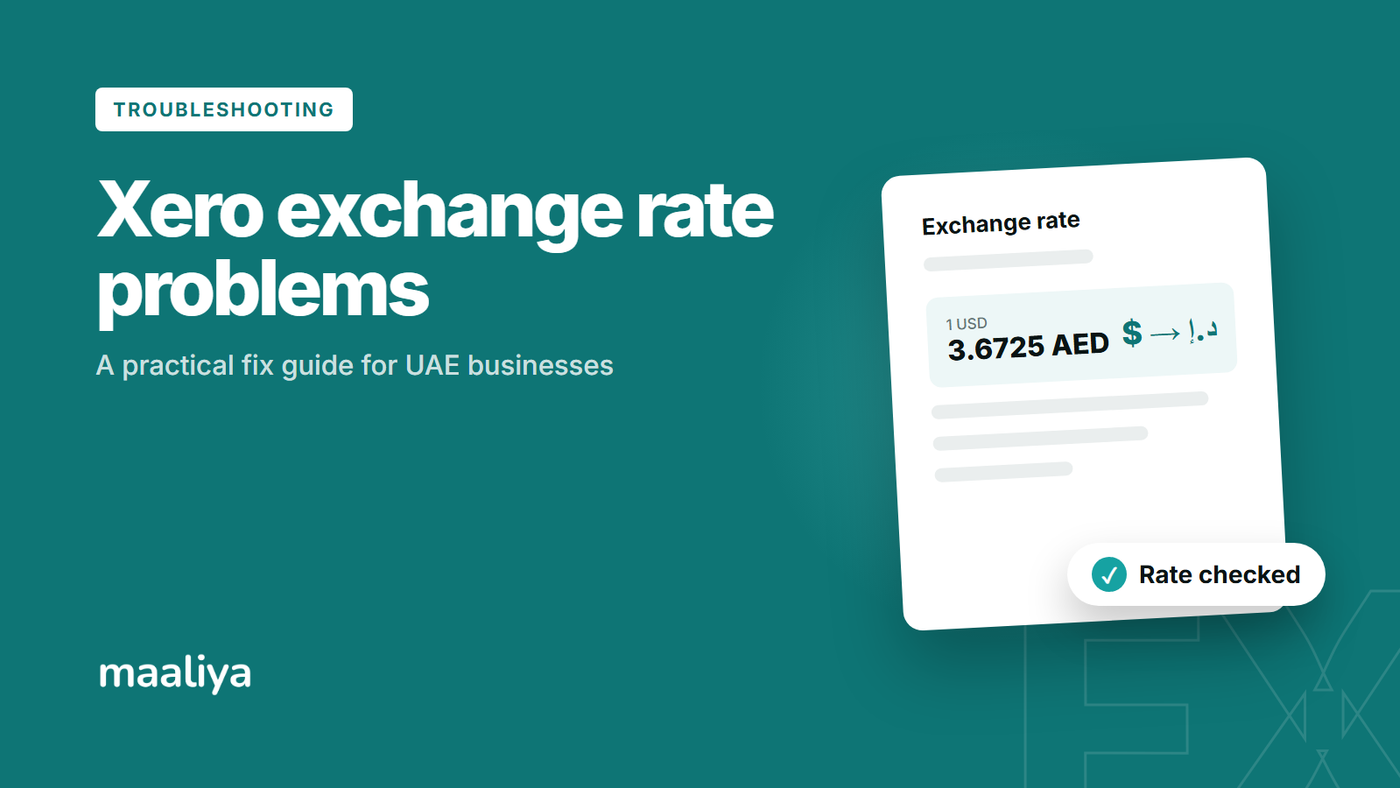
For a UAE company with AED as its base currency, a USD 10,000 customer invoice recorded at an illustrative rate of AED 3.6725 per USD has an AED value of AED 36,725. If it is later settled at an effective rate of AED 3.6730, the AED settlement value becomes AED 36,730. Ignoring fees, the AED 5 difference is an FX gain in this simplified example.
IAS 21 defines functional currency as the currency of the primary economic environment in which an entity operates, and it governs how foreign-currency transactions and monetary items are translated. The accounting standard, not the software interface, determines the accounting treatment.
Why Does Xero Show the Wrong Exchange Rate?
The most common cause is the date. Exchange rates are date-sensitive, so check the invoice date, bill date, payment date and bank transaction date before changing anything. A second cause is a manually overridden rate. A third is comparing different rates: your bank's customer conversion rate can include a spread or fee, so it need not equal a reference market rate.
Why Is There an FX Gain or Loss When the Invoice Amount Didn't Change?
The foreign-currency amount can stay fixed while its AED equivalent changes. For example, a EUR 5,000 supplier bill initially recorded at AED 4.00 per EUR is AED 20,000. If it is settled when the relevant rate is AED 4.05, the settlement value becomes AED 20,250. Ignoring fees, the AED 250 difference is an FX loss in this simplified example.
Realised vs Unrealised Exchange Gains and Losses
A realised FX difference generally arises when a foreign-currency monetary balance is settled. An unrealised FX difference reflects the remeasurement of an outstanding monetary balance at a reporting date, before settlement. This distinction matters for month-end reporting because an unrealised movement does not itself represent a cash payment or receipt.
Xero Foreign Invoices: What to Check
- Confirm the organisation's base currency and the invoice currency.
- Confirm the invoice or bill date and inspect the exchange rate used, including any manual override.
- Check the payment date and currency; do not assume settlement should use the invoice-date rate.
- Compare the foreign-currency amount first, then the AED equivalent. This separates an invoice mismatch from a translation difference.
- Separate bank fees, card-processing charges or withheld amounts from the FX movement.
- If VAT applies, verify the tax treatment independently. See Xero UAE Tax Rates Explained.
FX issues often surface alongside VAT issues. Run a free check on your Xero VAT setup before they reach your VAT201.
Check VAT Health NowXero Bank Transactions and Foreign Currency
Reconciliation gets confusing when the bank account currency, transaction currency and organisation base currency differ. Identify all three, then compare the actual foreign-currency movement with the accounting transaction being matched. For transfers between accounts in different currencies, use a workflow that preserves both sides of the transfer rather than creating unrelated spend and receive entries.
If the underlying problem is matching bank lines rather than FX itself, see Xero Reconciliation Guide UAE: Step-by-Step for 2026 and Why Xero Bank Feeds Don't Work in the UAE: 2026 Guide.
What If the AED Balance Is Still Wrong After Reconciliation?
Do not post a manual journal just to make the balance disappear. Trace the opening balance, original foreign-currency transaction, payments, credit notes, transfers and manual rate overrides. A residual AED balance can indicate an incomplete settlement, a rate difference, a fee posted elsewhere or an incorrect migration balance.
Does an Exchange-Rate Problem Affect UAE VAT?
Potentially, but VAT and FX accounting are separate questions. A correct FX gain or loss does not prove that the VAT amount, tax code or tax point is correct. Review the VAT calculation and supporting tax invoice separately; see Common Xero VAT Mistakes in the UAE: 2026 Guide where relevant.
A Practical Troubleshooting Checklist
Frequently Asked Questions
Yes. Xero states that an exchange rate can be overridden on an individual foreign-currency transaction. Use an override only when you have a supportable reason, and keep the underlying evidence on file.
A bank's customer conversion rate can differ from a reference rate because of spreads, pricing and fees. Compare the actual currencies and amounts exchanged, and account for any separately identifiable fees on their own.
Not automatically. The invoice and payment happen on different dates and can legitimately carry different exchange rates. Changing the original rate solely to eliminate an FX difference can distort the accounting.
Xero supports multi-currency accounting on eligible plans and automatically applies exchange rates to foreign-currency transactions, while still allowing transaction-level overrides. Confirm which features are included in your current subscription.
Maaliya Can Help You Clean Up the Workflow
If exchange-rate issues appear alongside reconciliation or VAT problems, fix the underlying workflow rather than repeatedly posting manual adjustments. Maaliya can help structure document capture, transaction review and reconciliation around Xero, while the VAT Health Checker can flag VAT issues that need attention.
Book a free consultation with Maaliya to review your reconciliation, FX and VAT workflow together.
Book a free consultation today!Related Maaliya Content


Sources
- Xero: Multi-currency accounting / use multiple currencies. Accessed 28 September 2026.
- IFRS Foundation: IAS 21 The Effects of Changes in Foreign Exchange Rates. Accessed 28 September 2026.
- Xero Product Ideas: foreign-currency transfer workflow clarification, administrator response 24 August 2026. Accessed 28 September 2026.
This article is general information, not personalised accounting, tax or legal advice. Material foreign-currency balances or unusual transactions should be reviewed against your entity's reporting framework and supporting records.
Lina Mansouri is a Corporate Services specialist at Maaliya, where she helps UAE businesses with company incorporation, VAT and corporate tax registration, and liquidation. She writes Maaliya's guides to Xero, UAE VAT, bank reconciliation and eInvoicing, drawing on the questions UAE founders and finance teams bring to Maaliya every day.
Like what you read? Add Maaliya as a preferred source on Google.
Built for the UAE.